
Key takeaways
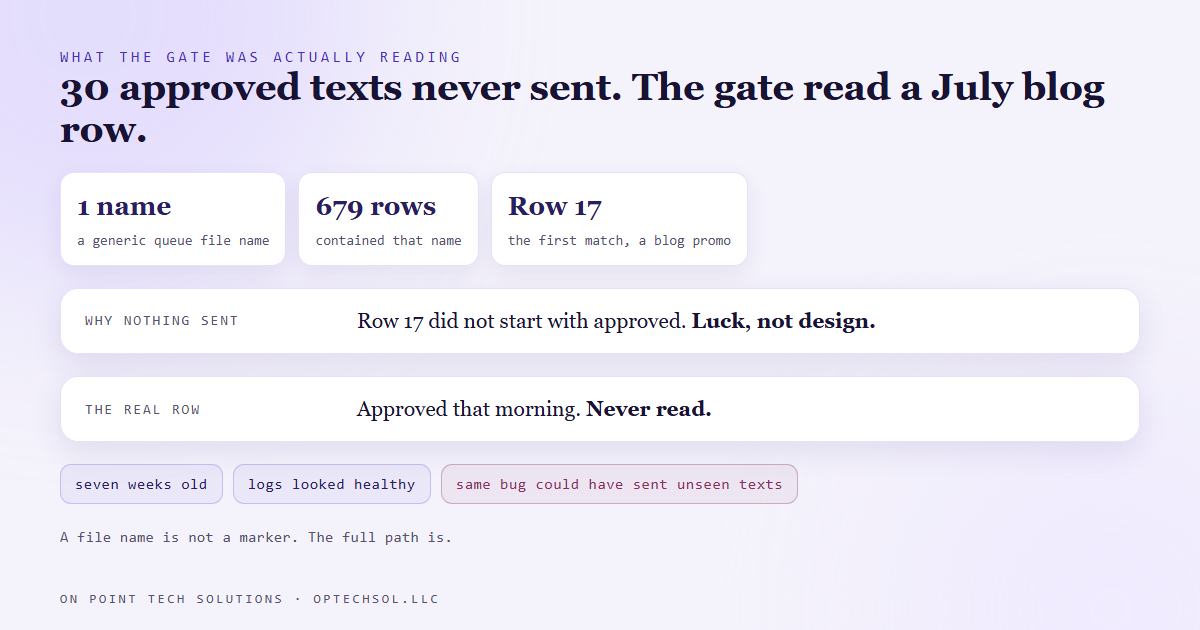
- Our cold texting sender checks an approval file before it sends anything. A day's batch of 30 texts was approved, and none of them went out.
- To find its approval, the sender matched on the name of its queue file. That name is completely generic, six other automations use the same one, and 679 approval rows contained it.
- The sender took the first match, a blog promo row from July, and read that row's status to decide whether 30 texts could go.
- It failed safe only by luck, because the old row's status happened not to start with the word approved.
- A gate that allows an outside send has to match on something unique, and has to refuse when more than one thing matches.
Nothing we send to the outside world goes out without a yes first. Posts, emails, ads and texts are staged, a row goes into an approval file with a link to what will be sent, and a person approves it. The automation that does the sending checks that file before it fires.
Our cold texting runs that way. Every morning a job picks the day's contacts and writes the messages into a queue. A row goes into the approval file. Every ten minutes during the day a second job checks whether that batch is approved, and sends whatever is due if it is.
On September 17 the day's batch was approved. Thirty texts were due. None of them went out.
What the gate was actually reading
The sending job has to find the right row among hundreds. It did that by searching the approval file for any row containing either the path to its queue or just the queue's file name on its own.
That second half is where it went wrong. The queue file has a completely generic name, the same name our social posting, our video channels, our networking outreach and our blog promos all use for their own queues. When we counted the next day, 679 rows in the approval file contained that name.
The job took the first one. The first one was row 17, a blog promo row from the end of July. The sender read row 17's status and decided, based on a blog post's approval from seven weeks earlier, whether thirty texts were allowed out.
Failing safe by luck
This time the mistake blocked a send instead of causing one. Row 17's status cell happened to start with a couple of stray characters rather than the word approved, so the gate read it as not approved and held the batch.
That is not a design. That is a coin that landed the right way up. The same bug pointed at a different old row, one that did start with approved, would have sent a batch nobody had looked at, on the strength of someone approving a blog post in July.
Nothing in the logs looked broken either. The sender ran every ten minutes and reported, correctly, that the batch it had found was not approved. It was just the wrong batch.
What we changed
The file name match is gone. The sender now matches only on the full path to its own queue, which exactly one automation uses. And it counts matches before it reads anything. One match, it reads the status. Zero, it waits. More than one, it refuses to send and writes a warning saying the gate is ambiguous.
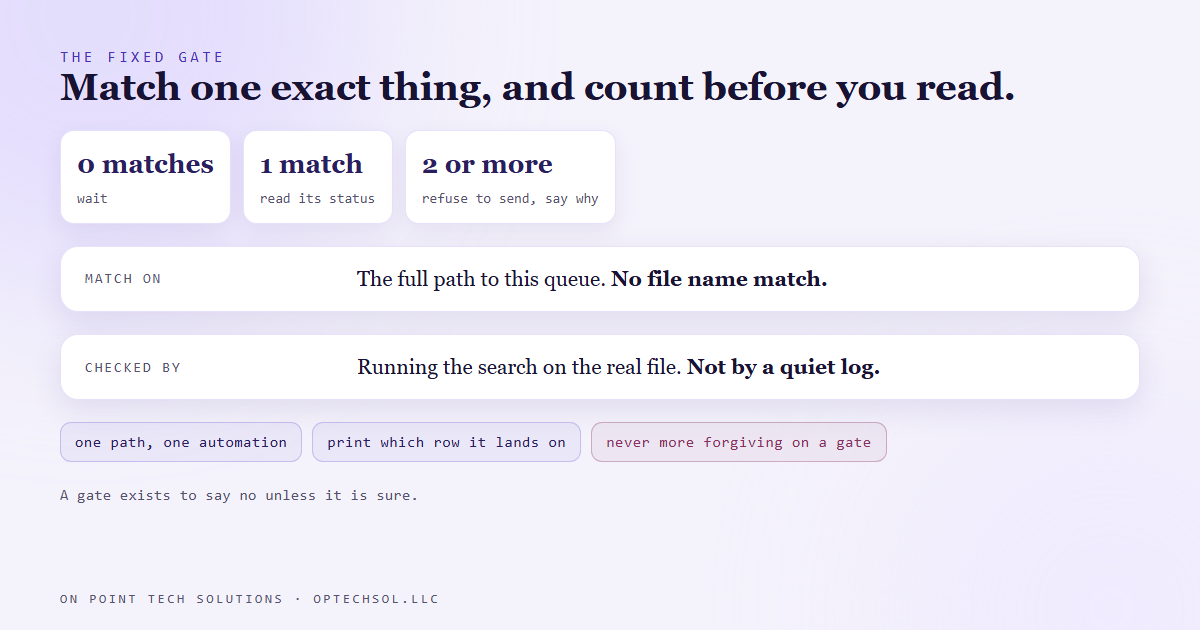
The refusal matters as much as the narrower match. A gate that takes the first of several matches will one day take the wrong one, and it will do it quietly. A gate that stops and says "I found two" costs a few minutes and never sends the wrong thing.
We also changed how we check gates like this. We used to trust one because nothing bad had happened. Now we run its search against the real approval file and print which row it actually lands on. That takes a minute, and it is the only way to know.
The lesson we are keeping
When a match is not unique, the natural instinct is to make it more forgiving, so it finds something. On an approval gate that is backwards. A gate exists to say no unless it is sure. Every fallback you add to help it find a match is another way for it to find the wrong one.
What this means for your business
You have gates like this in your CRM right now. A workflow that triggers when a tag contains the word lead, which also fires on "lost lead". A filter that sends an invoice when the customer name matches, when two customers share a name. An email rule keyed to the word invoice in a subject line.
They work most of the time, which is exactly why nobody questions them.
Three things worth doing this week. List every automation that sends money or messages without a person clicking send. For each one, ask what it matches on, and whether that could ever match two things. Anywhere you see "contains", change it to an exact match on something unique, like a tag nobody else uses or a record ID. And for the one that would hurt most if it fired by mistake, test it with a lookalike record and watch whether it holds.
For a Go High Level Bay Area business, the usual suspect is a tag based trigger. Tags get reused, renamed and shared between workflows, and a trigger that matches part of a tag will eventually match the wrong one.
Want this built for you
We build automations whose approvals match exactly one thing. Start at optechsol.llc.