
Key takeaways
- On July 26, working on the Google Business Profile for our sister finance business, we found Google had changed the profile on its own.
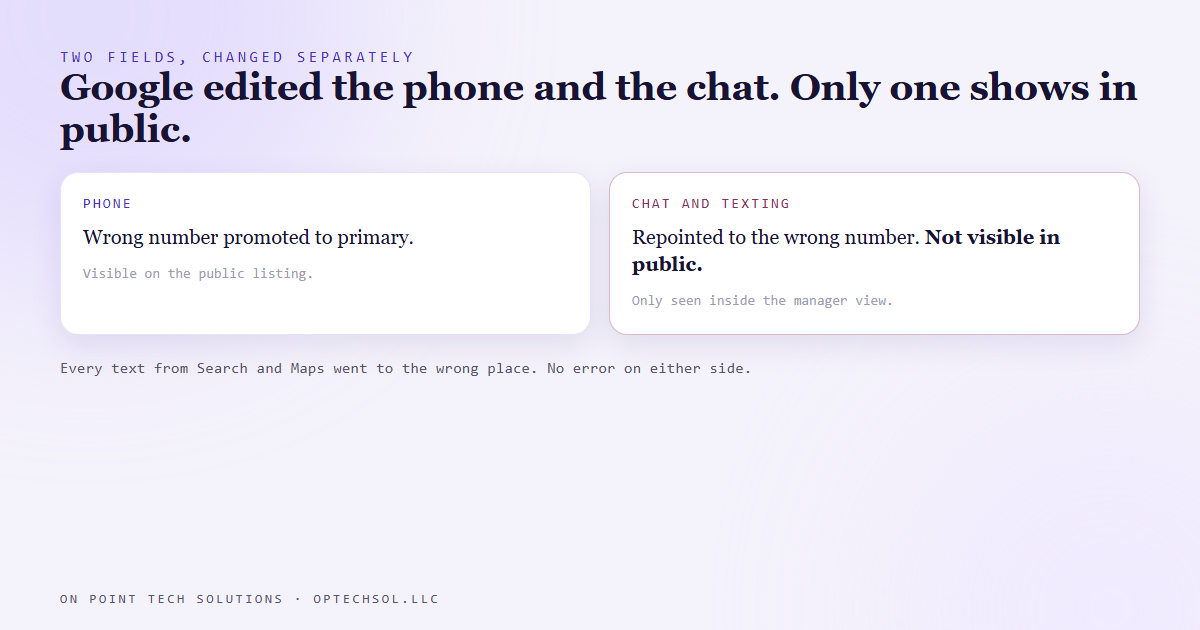
- Its automatic updates had promoted a wrong phone number to primary and pushed the real one down.
- It had also pointed the profile's chat and texting channel at that wrong number. That setting doesn't show on the public listing, so no outside check could see it.
- Every text a customer sent from Search or Maps went to the wrong place.
- Phone and chat are separate fields that change separately, and the only real audit happens inside the profile's manager view.
Your Google Business Profile is the listing people see when they search your business name or find you on Maps. For most local businesses it's the front door. For a lot of Go High Level Bay Area businesses we work with, it's where the first call or text comes from, before anyone ever sees the website.
On July 26 we were in the profile for our sister finance business, doing routine cleanup. We found something we hadn't done.
"Updated by Google"
Google doesn't only show what you enter. It also makes its own edits. It pulls information from around the web, decides it knows better, and applies the change to your live profile. Those edits come with a small "updated by Google" note in the manager view. You don't get a text about it.
On this profile, Google had taken a wrong phone number, made it the primary number, and moved the real one down to secondary. That part you could at least catch by looking at the public listing, if you were paying attention.
The worse part was the chat. Google profiles have a separate channel for customers to message or text the business straight from Search and Maps. Google had repointed that channel to the same wrong number.
The change nobody outside could see
Here's why that one matters most. The chat setting doesn't appear on the public listing. You can look at the business on Google all day and never see where its texts go.
So no outside audit catches it. No scan, no review of the listing, no "let me search us on Google and check." The only way to see it is to sign in as a manager of the profile and open the contact settings.
Meanwhile, every customer who tapped to text from Search or Maps sent their message to the wrong place. They didn't get an error. They just never got a reply. From their side, the business ignored them.
And Google keeps doing it
We fixed both fields. Real number back to primary, chat pointed where it belongs. Edits like that sit in a short review before they go live.
But fixing it once isn't the end. Google re-applies these automatic updates for as long as the old value is still published anywhere it crawls. An old directory listing, a stale page somewhere, a citation nobody remembers creating. If the wrong number lives out there, Google can pull it back in.
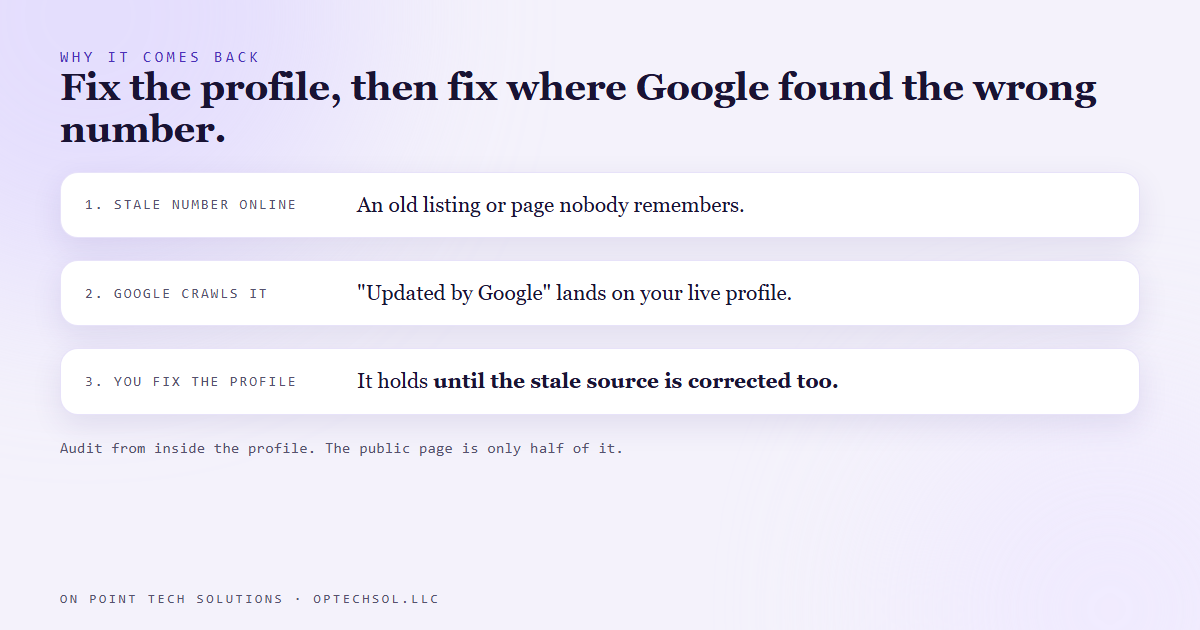
So the fix has two parts. Correct the profile, and then go find where the wrong number lives and correct that too. Otherwise you'll be doing this again.
The lesson we are keeping
A platform that edits your listing for you is a second author you didn't hire. Its changes are real, they go live, and they don't ask.
And the public page isn't the whole profile. Phone and chat are different fields. Google changes them on its own schedule, one at a time. Checking what customers can see only covers half of what they can do.
What this means for Go High Level Bay Area businesses
You can build the best follow up in the world inside your CRM. It only works on the messages that reach it. A wrong chat number on your Google profile routes customers around your whole setup before it ever starts.
Three things worth doing this week:
- Sign into your Google Business Profile as an owner or manager. Open the contact settings and look for any "updated by Google" notes. Check the phone and the chat settings separately.
- Send a test text to your business from Google Maps on your own phone. Make sure it lands where your team actually reads messages.
- Search your business name plus your old phone numbers. Anywhere a stale number still shows up is a place Google can pull it back from. Get those corrected too.
For a Go High Level Bay Area business, the Google profile is often where a lead starts. Put it on the list of things you check, not things you set once.
Want this built for you
We set up Google profiles, websites and CRMs that point at the same place, and we check the fields customers can't see. Start at optechsol.llc.