
Key takeaways
- We built a spec website for a prospect and put it up at a preview address. Our internal notes file was sitting in the same folder as the pages.
- The host served that notes file at a public address: pitch notes, a to do list and an internal record id, one link away for anyone holding the preview.
- Adding a file that tells the host what to ignore made it worse. The host published the ignore file too.
- A clean redeploy didn't fix it either. Every past deployment keeps its own permanent address and keeps serving what it had.
- The question before any deploy is simple. Which of these files would I hand to the client?
When a local business agrees to meet, we sometimes build them a spec site first. It's a real, working preview of what their website could be, built from their own reviews and put up at a preview address we can text them. It beats a slide deck. They tap a link and they're looking at their own business.
On August 17 we built one for a construction prospect. Next to the pages in that folder sat a notes file. It held our pitch notes, a list of things to verify with the owner before the meeting, and the record id for their contact in our CRM. It was useful while building. It was never meant to leave the building.
The folder is the site
We checked the preview before sending the link, and the notes file was live. Anyone who added its name to the end of the preview address could read every line of it.
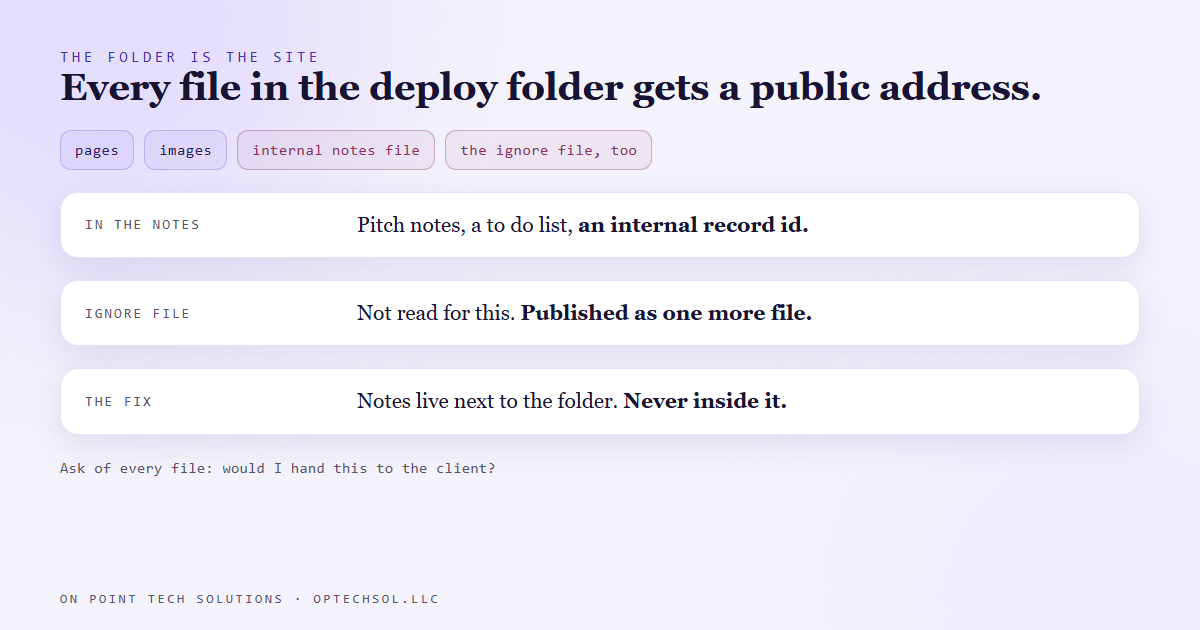
The host we use for these previews is a static host. That means it doesn't build anything or pick which files to show. You hand it a folder and it serves every file in the folder, notes and hidden files included. There's no list of approved pages. The folder is the site.
We'd been treating the folder like a workspace that happened to contain a website. The host treats it as a website, full stop.
The fix that made it worse
The obvious move was an ignore file, a small file that lists what should be left out. Plenty of tools support one. So we added it and redeployed.
The notes file was still there. And now there was one more public file in the folder, the ignore file itself. The host doesn't read that kind of file for this. It uploaded it as one more thing to serve.
So the real fix was the plain one. Move the notes out of the folder completely. Our notes for a spec site now live next to its folder, never inside it.
The old copies were still serving
We redeployed a clean folder, and the new preview was clean. The notes were still reachable anyway.
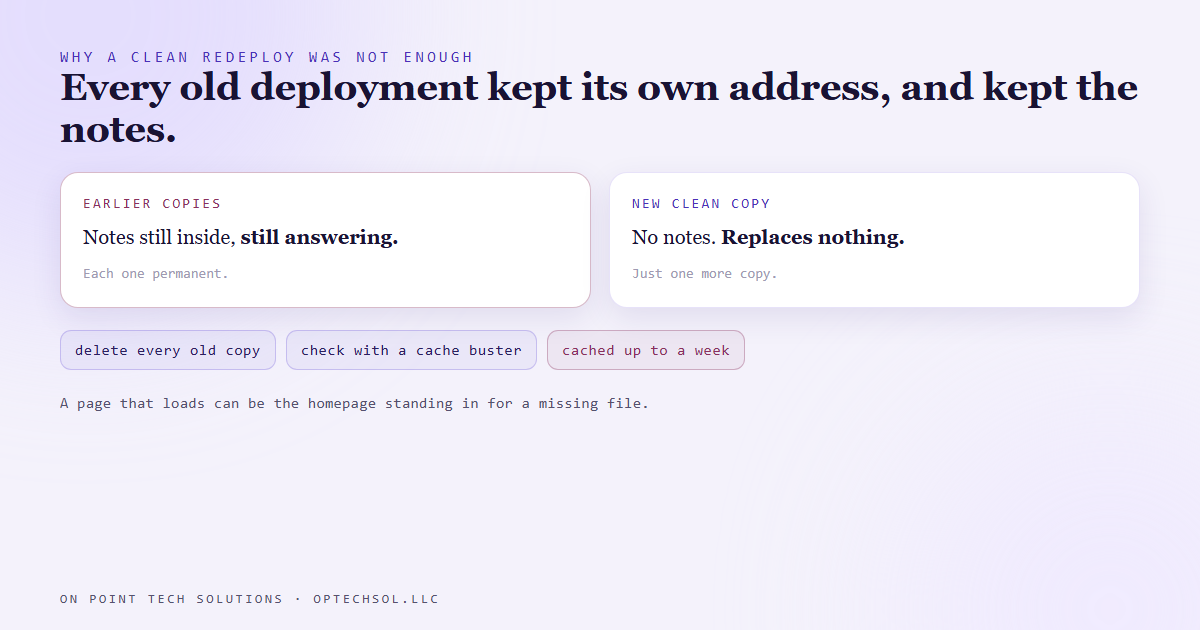
Every deployment on that host gets its own permanent address, and it never changes after the fact. A clean deploy is a new copy. It doesn't replace the old ones. The earlier copies, notes and all, kept answering at their own addresses.
So we deleted the old deployments one by one. Then we checked from the outside with a cache buster added to the address, because the host caches pages for up to a week. A deleted copy can keep answering from cache for a while before it finally gives an error.
There was one more trap. On this host, an address that doesn't exist can come back as success and show you the homepage. So "it loaded" doesn't prove the file is still there. We checked what actually came back, and whether it was the notes file or the homepage.
The lesson we are keeping
Before any deploy, list the folder and go down it one file at a time. For each one, ask: would I hand this to the client? You're handing them all of it.
Fixing a leak also means finding every copy that's already out there. Shipping a clean one is only half of it. Spec sites that carry a real business's name also go up marked so search engines skip them. The preview is meant for the owner, and search engines have no reason to list it.
What this means for your business, from a GHL consultant in the Bay Area
You probably don't deploy websites. But you almost certainly share folders, and they work exactly the same way.
A shared drive folder set to "anyone with the link" shares everything in it. That includes the quote with your margin notes, the old contract with a different client's name, and the photo of the whiteboard. Send the link for one file inside it and you've sent the folder.
Old links behave like old deployments too. A file you shared with a vendor two years ago is probably still open to them.
Three things worth doing this week:
- Open every folder you've shared with a client or vendor. Go down the list and ask the same question. Would I hand them this file?
- Look through your shared links and turn off the ones for jobs that are finished.
- Keep internal notes in their own folder that is never shared, not next to the deliverable.
As a GHL consultant in the Bay Area, the version we see most is the media library behind a website or funnel. Files uploaded there usually get a public address, even if no page ever links to them. Upload the internal price sheet to get a quick link, and it's public.
Want this built for you
We build sites and systems where only what you meant to share is public. Start at optechsol.llc.