
Key takeaways
- A scheduled task that keeps our blog listing up to date died with a message that looked like an error. It was not one. It was the task's own tool correctly saying "this list needs rebuilding".
- That message went out on the error channel, and the wrapper around the tool treated anything on that channel as a reason to stop everything.
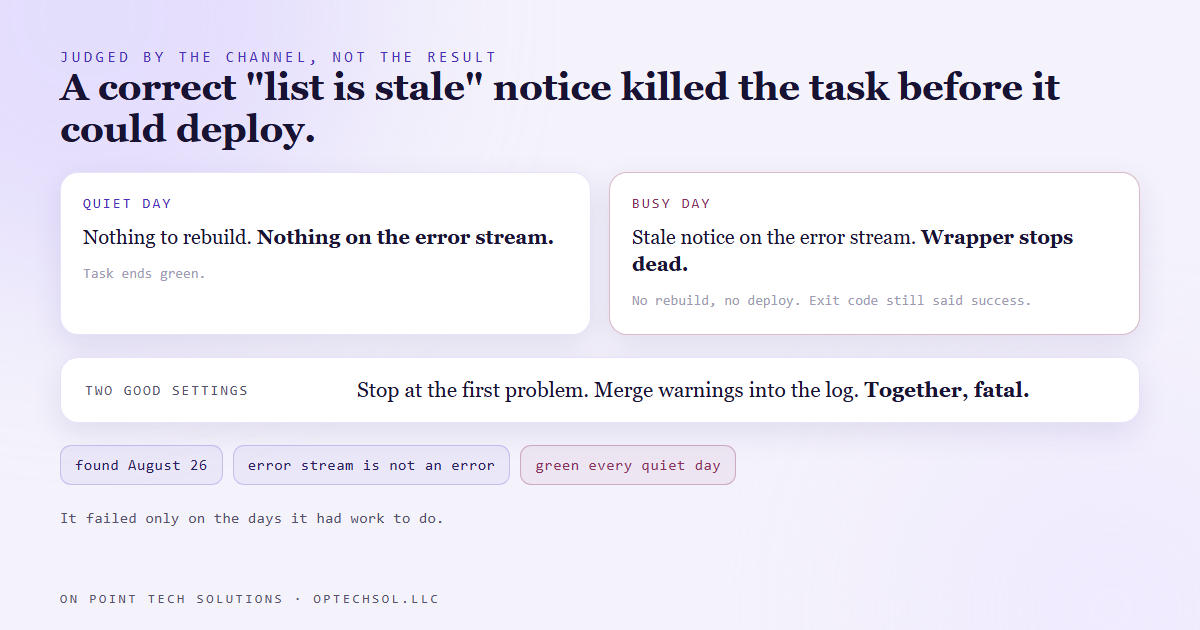
- So on quiet days, with nothing to rebuild, the task passed. On busy days, the only days it mattered, it died before publishing anything.
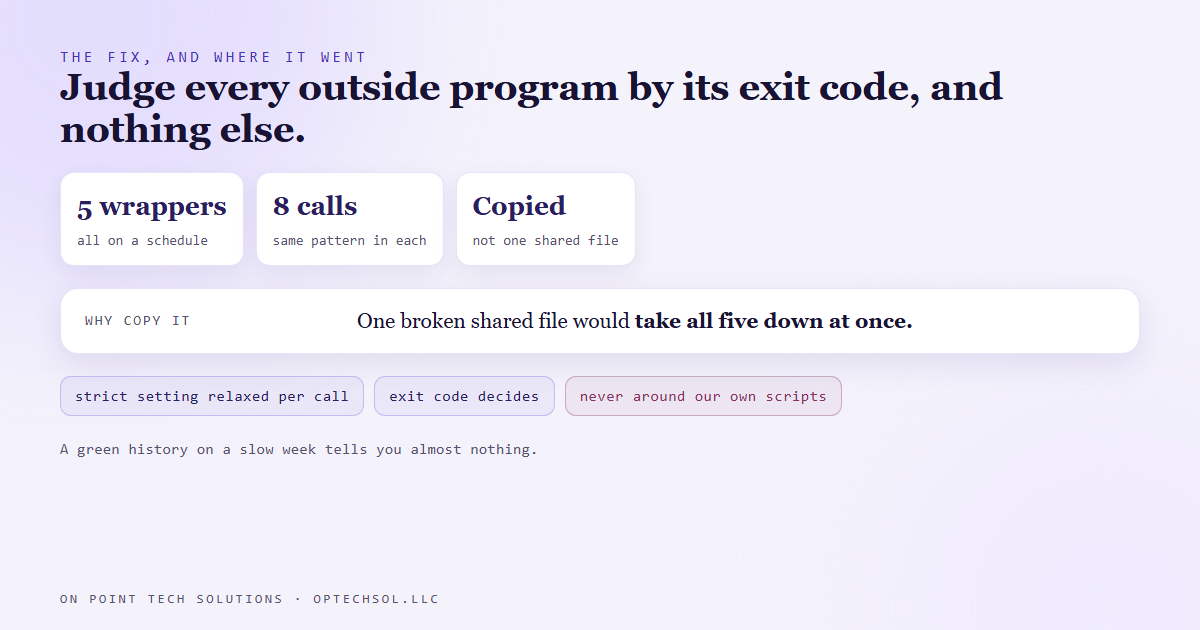
- The honest signal was the tool's exit code, which said success the whole time. We now judge every outside program by that and nothing else.
- The fix went into five wrappers as a copy rather than one shared file, on purpose, because one broken shared file would take all five down at once.
Our website has a blog page that lists every post, and a backup copy of the blog feed for the days the blog platform's own feed is down. Both need rebuilding whenever a new post goes live. A scheduled task does that job. It rebuilds the backup, checks whether the post list is out of date, rebuilds it if so, and publishes the site.
That task runs inside a small wrapper script. The wrapper's job is plumbing: run each step in order, write what happened to a log, stop if something goes wrong.
On August 26 the task failed. The log's last line read like a clear failure: stale, followed by the command to rebuild the list.
A message that looked like an error
It was not a failure. It was the check step doing exactly its job.
The step that checks the post list is designed to say one of two things. Either the list is current and there is nothing to do, or the list is stale and here is the command that fixes it. When it is stale, the wrapper is supposed to note that and run the rebuild next.
The check tool prints that "stale" message on what programs call the error stream. Every program has two output channels, one for results and one for status and warnings, and plenty of well behaved tools put anything that is not the result on the second one. The tool then exited with a code that meant success.
The wrapper saw a line arrive on the error stream and stopped dead.
Why the wrapper did that
Two settings, each reasonable on its own, combined badly.
The wrapper was written to stop at the first real problem, which is good practice for anything that runs unattended. Half finishing a publish is worse than not starting.
It also merged the tool's error stream into its normal output, so every line the tool printed would land in the log. Also good practice.
The scripting language our wrappers are written in has a quirk when you combine those two. A line arriving from an outside program's error stream gets wrapped up as an error record, and under the stop at the first problem setting, that record is treated as fatal. It does not matter what the line says, or that the program itself reported success. The channel it came in on was enough.
The wrapper was judging the tool by which channel it talked on, not by what it did.
Why it hid
This is the part worth remembering. On a quiet day, when no new post had gone live, the check tool had nothing to report. It printed nothing on the error stream, the wrapper never tripped, and the task ended green.
On a busy day, when there was a new post and the list genuinely needed rebuilding, the tool said so, the wrapper died, and nothing was published.
A fault that only shows up on the days with real work is the worst kind. Every quiet day adds another green run to the history, and that history makes the task look reliable right up until the day it matters. The code is broken the whole time. It just has not had a reason to show it.
What we changed
We wrote a tiny helper, eight lines or so, that runs an outside program with the strict setting relaxed for just that call, and then judges the result by the program's exit code. The exit code is the one signal a program gives on purpose to say whether it succeeded. Everything else is conversation.
Then we went looking for the same pattern everywhere, and found it in five of our scheduled wrappers across eight separate calls: the blog snapshot, a consistency check across our own documentation, the job that publishes daily answer pages for one of our sites, the social queue that fires approved posts, and a prospect sweep.
We copied the helper into all five rather than putting it in one shared file they all load. Normally that is the wrong call. But these run on a schedule with nobody watching. If they all loaded one shared file and that file broke, or moved, all five would fail together. Eight identical lines drifting apart over time is a much smaller risk than one import taking down every one of them at once.
There was one more trap. We only wrapped true outside programs. Our own scripts, called from other scripts, use the error channel to report real failures. Relaxing the strict setting around those would have hidden genuine errors, which is the opposite of what we wanted.
What this means for your business
You have automations that only do real work some of the time. The follow up that fires when a lead replies. The reminder that goes out when an invoice is overdue. The review request after a job closes. On a slow week they have nothing to do, so they look perfect.
A green history on a slow week tells you almost nothing. The only real test is a day with work in it.
Three things worth doing this week. Pick your most important automation and push a real test case through it on purpose, like a test lead that replies or a test invoice that goes overdue. Check what counts as a failure in your alerts, because an alert that fires on any warning will train your team to ignore it. And after your busiest day this month, go look at what ran, not just whether anything errored.
For a GHL consultant Bay Area business, the classic version is a workflow whose trigger rarely fires. It can sit for a month looking fine and break the first time a real customer needs it.
Want this built for you
We build automations that get tested on busy days, not just quiet ones. Start at optechsol.llc.