
Key takeaways
- We built a job board for a contractor, and part of the move was loading 152 recovered daily job logs into it.
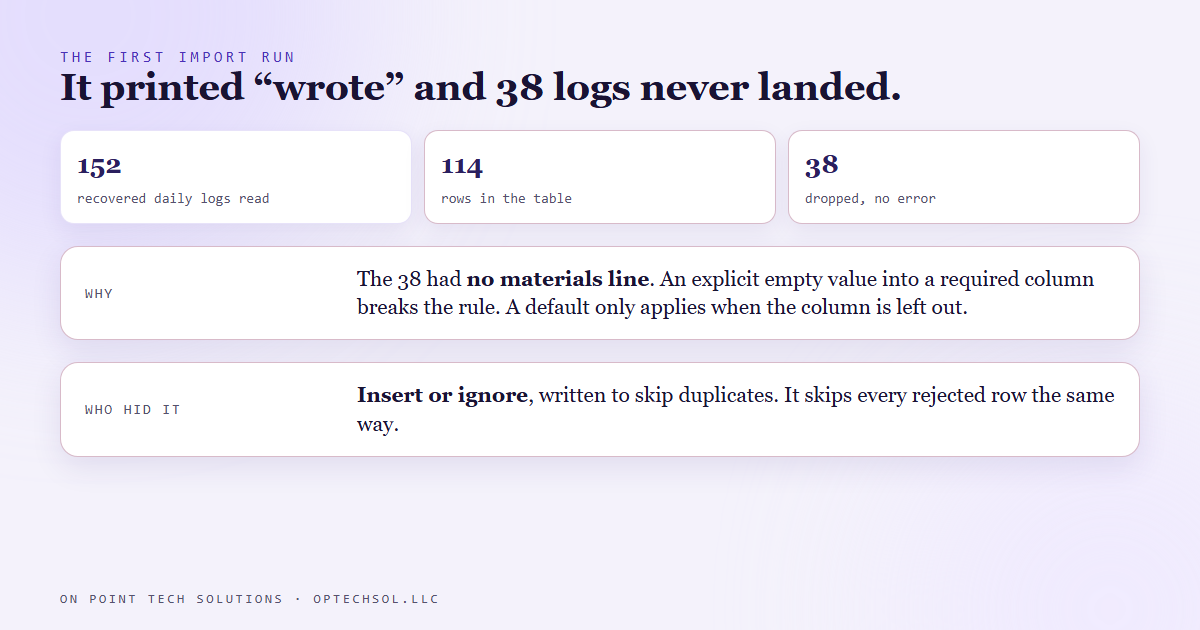
- The importer printed "wrote" and exited cleanly. The table held 114. Thirty eight logs were gone and nothing said so.
- Those 38 logs had no materials line. The importer sent an explicit empty value into a column that does not allow one, and a default only applies when you leave the column out entirely.
- The insert was written to skip rows that already existed. That same instruction skips every other rejected row too, without a word.
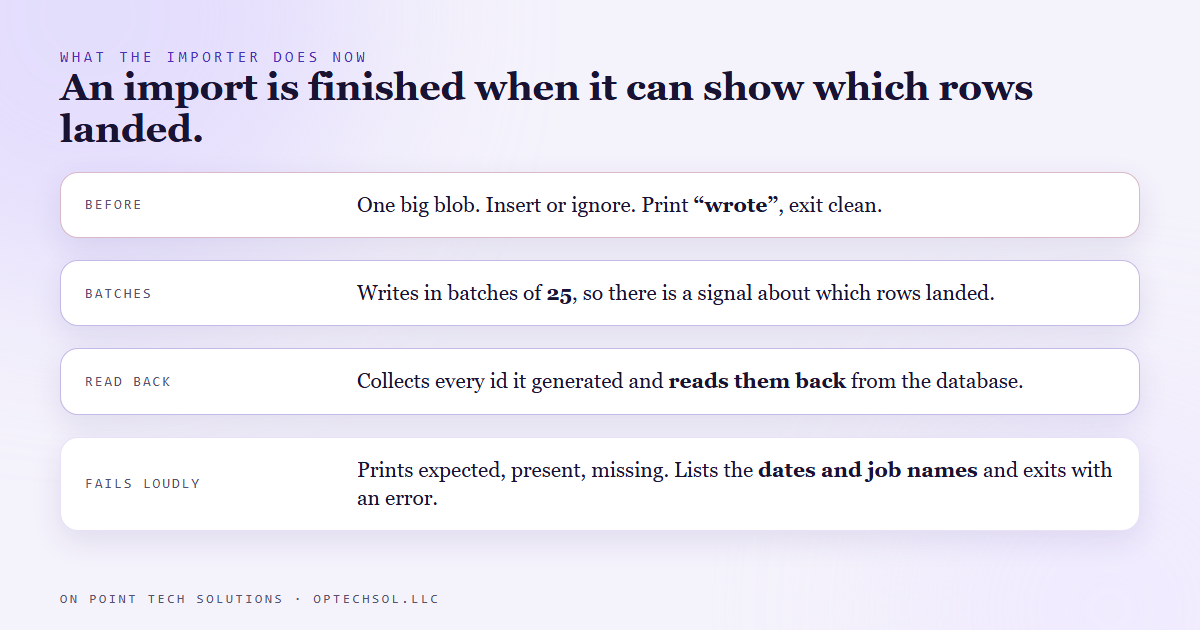
- The importer now writes in batches of 25, reads back every id it believes it wrote, and stops with the dates and job names of anything missing.
You run a bulk contact import, you get the green success banner, and weeks later you find out a chunk of people never made it in. Most owners have lived some version of that. We work as a GHL consultant in the Bay Area, and a lot of what we do is moving a business's history out of one tool and into another. This one happened in our own code, and it is the reason our importers now prove what they wrote.
What we were moving
We built a job board for a contractor: their jobs, their schedules, and the daily logs crews write on site. Who was there, what the weather was, what got delivered. The logs from their old system came back to us as files, 152 of them, and we wrote an importer that reads each one and loads it into the board's database.
Each log becomes one row. Some fields are always there. Some are not. Plenty of days nobody delivers anything, so a lot of logs have no materials line at all.
The run that looked clean
The importer ran, printed "wrote" and exited with a success code. No warning, no error. If we had stopped there, we would have told the client their whole history was in.
We counted instead. The table had 114 logs. Thirty eight were missing, and nothing in the output hinted at it.
Why 38 rows vanished
Two small decisions met in the middle.
The first was the materials column. It was set up as required, with blank text as its default. A default sounds like a safety net, and it is, but only when the insert leaves that column out. Our importer named the column on every row, and for logs with no materials line it passed an explicit "no value." The database does not read that as "use the default." It reads it as breaking the rule.
The second was how the insert was written: insert the row, or ignore it if it fails. We put that in for one reason. Running the import twice should not create duplicate logs. Reasonable. But "ignore it if it fails" does not ask why it failed. A duplicate, a missing required value, a broken link to a job: it skips all of them the same way, quietly.
So 38 rows broke the required rule, and the instruction we had written for duplicates swallowed every one.
How we found the cause
We took one of the missing logs and ran its insert on its own, without the ignore. The error came straight back and named the column: materials. Every one of the 38 turned out to be a log with no materials line.
The data fix was small. An absent value now becomes blank text before it is sent, which is what the column wanted all along.
What the importer does now
The bigger fix was making the importer prove its own work. It now:
- writes in batches of 25 instead of one giant blob, so there is a signal about which rows landed
- collects every id it believes it wrote, then reads those ids back from the database
- prints expected, present and missing, and if anything is missing it lists the dates and job names and exits with an error
The honest lesson
"Skip it if it is already there" and "skip it if it is wrong" are two different instructions, and we wrote one that quietly did both. What caught it was us counting by hand, not anything the importer said, so the importer counts for itself now, and why we do not call an import finished until it can show us which rows landed.
What this means for Bay Area businesses moving into Go High Level
If you are bringing contacts into Go High Level from a spreadsheet, an old CRM or a booking tool, you will see a success message at the end. That message tells you the import ran. It does not tell you everyone arrived.
- Count before and after. Rows in your file against contacts added by that import.
- Tag every import with its date, so you can pull that exact batch back up and count it.
- Spot check the rows most likely to break: blank emails, blank phones, odd characters in names. Search for a few by hand.
- If the count is short, take one missing row and import it by itself. The error it gives on its own is usually the whole answer.
If someone else is doing the move for you, ask for that count, file against account, and for the list of anything that did not make it. A good GHL consultant in the Bay Area should have both ready before you ask.
Want to build this yourself?
Join the On Point Tech Academy at optechsol.llc/academy. It's free, and we build live every Tuesday and Thursday.
The On Point Tech Academy costs nothing and never asks for a card. We build live every Tuesday and Thursday, 12:30 to 1:30 PT.
Join the Academy free ← Back to all Field Notes