Key takeaways
- Two automations watching the same comment word will both reply, and the person who commented gets two DMs from you within seconds.
- Nobody notices in testing, because in testing there is only one of you commenting and you already know why it happened.
- Our fix is a registry: every trigger word is owned by exactly one system, written down in one table, and the newer system refuses to fire on a word it does not own.
- Moving a word from one system to the other is a four step protocol, one word at a time, with a real comment from a real account as the last check.
- The general rule under it: when two tools can both do a job, pick one per job and write the choice down. Do not let both be a little bit responsible.
We have been building our own Instagram DM automation alongside the one our CRM already ships with. Not to replace it. The native one is genuinely good at the simple case, and rebuilding something that works is a hobby, not a business decision.
So for a while both were switched on. And that is where the interesting problem showed up, before it ever reached a customer.
The failure nobody catches in testing
Comment to DM works like this. Someone comments a word on your post, say AUDIT, and the system sends them a direct message with whatever you promised. It is one of the highest converting things a small business can run on Instagram, because the person raised their hand in public and you answered in private.
Now put two systems on the same post, both watching for AUDIT.
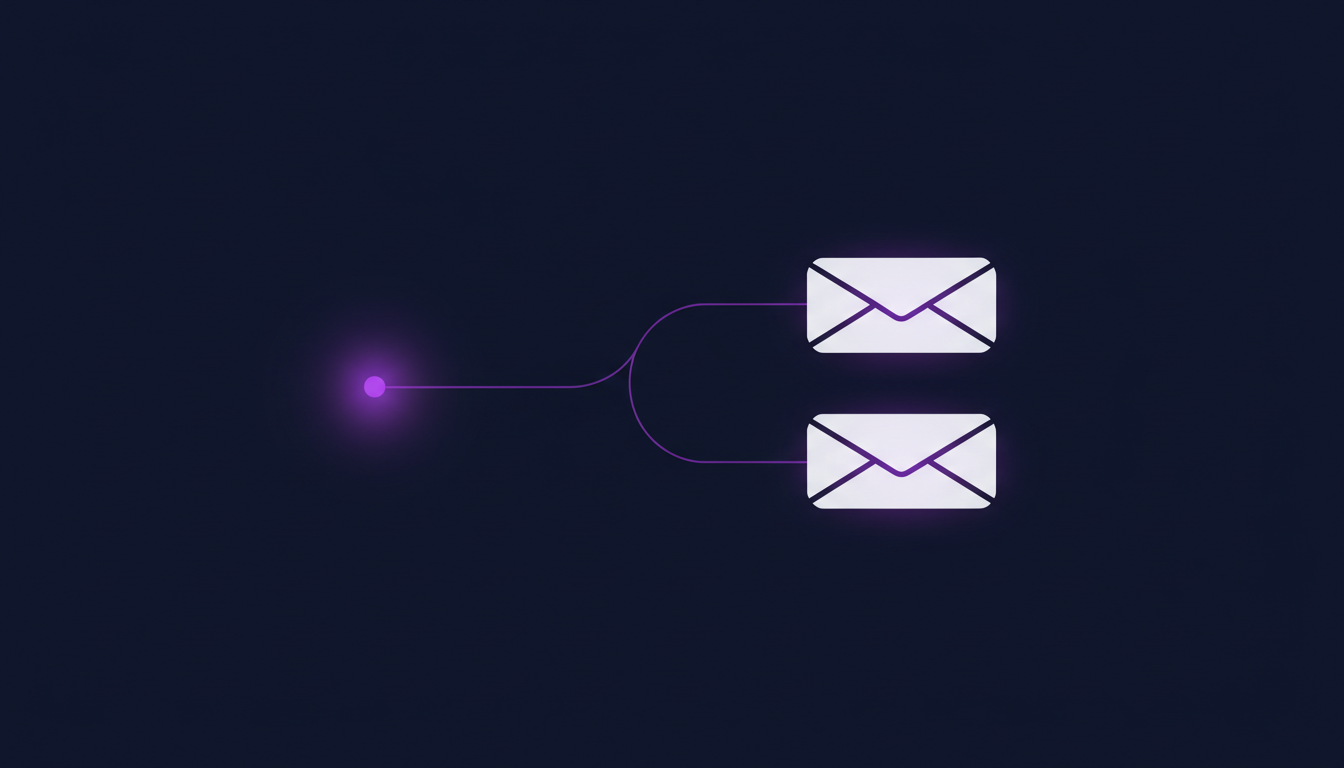
Both see the comment. Both are working exactly as designed. The commenter gets two messages from your business inside the same few seconds, and they read like a bot glitching, because that is what they are.
Here is why this is not a bug you find in testing. When you test, you comment on your own post, you get two DMs, and you know exactly why. You shrug and move on to the next thing. The failure only becomes real when the person receiving it has no idea what your setup looks like, and their entire read on your business is that it just double messaged them.
The rule we settled on
One keyword, one owner. No exceptions and no shared words.
It sounds obvious written down. It is not obvious in practice, because keywords accumulate. You add one for a campaign in March, someone adds one for a promo in June, and by autumn nobody can say out loud which system answers which word. The knowledge lives in whoever set it up most recently.
So we stopped keeping it in anyone's head. There is a table that lists every trigger word and the single system that owns it, and the workflow names in the CRM are written to match. Right now the CRM's native automation owns the three words we run publicly, and our own system knows it does not own them.
That last part is what makes this a real guard instead of a note. Our system does not check the registry as a courtesy. It refuses to fire on a comment whose keyword the registry says belongs to somebody else. If a word is not ours, nothing happens, no matter what the trigger is configured to do.
Moving a keyword is a protocol, not an edit
Eventually you do want to move a word across, usually because the newer system can do something the older one cannot. That is a four step move, done one word at a time.
- Turn the old one off first. Not last. If both are live for even a minute during the switch, that minute is when someone comments.
- Flip the ownership row. One word, one row, one change.
- Turn the new trigger on. Scope it to specific posts if you are nervous, or account wide if you are not.
- Canary it with a real account. Comment the word from an account that is not an admin, and check both what the public sees and what landed in the CRM.
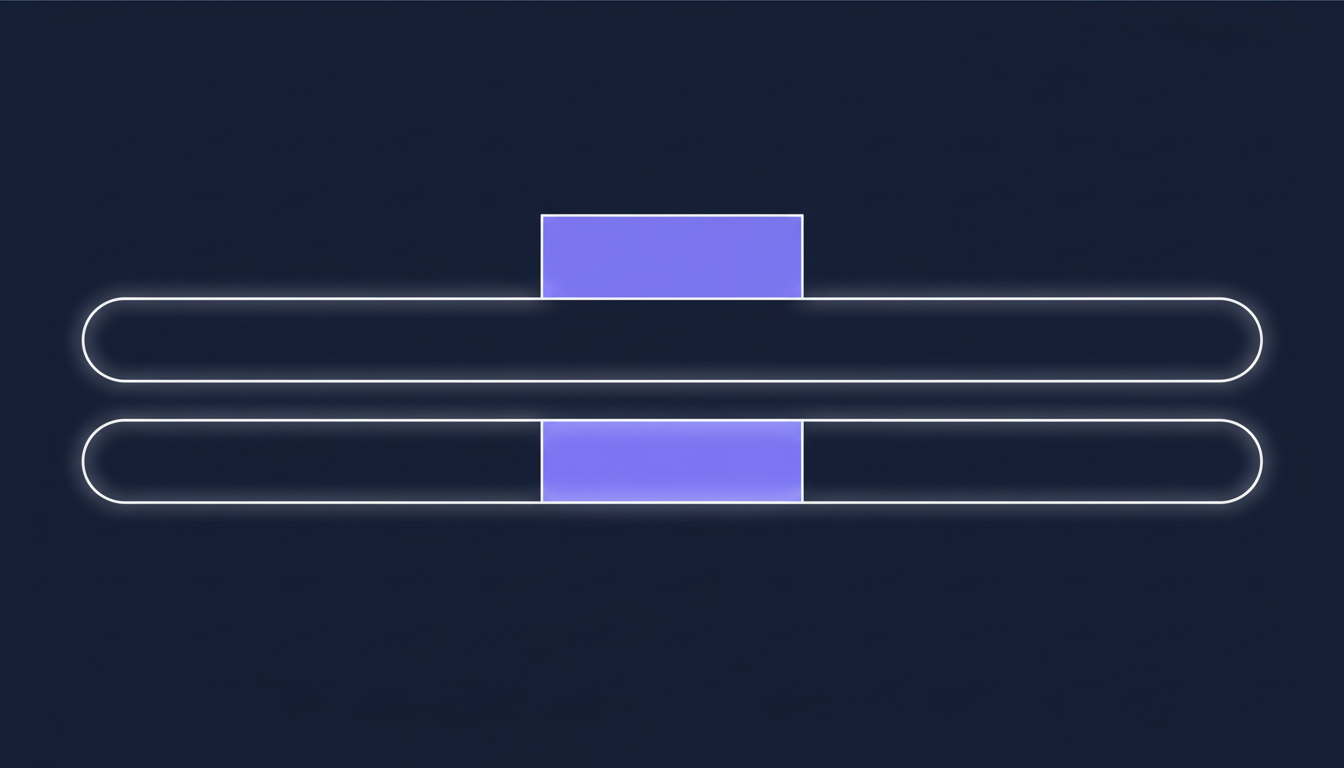
The canary step is the one people skip, and it is the only step that actually proves anything. An admin account behaves differently from a stranger's account on most platforms, so testing with your own login can pass while the real thing fails.
Why this matters for any Go High Level Bay Area setup
This is not really an Instagram problem. It is what happens any time two tools can both do the same job.
I see the same shape constantly in small business setups around the Bay Area. The website form emails you and also creates a CRM contact, and something else also creates a CRM contact, so every lead exists twice. A booking confirmation goes out from the calendar tool and again from the automation somebody built on top of it. A review request fires from the CRM and from the point of sale system, so the customer gets asked twice for the same review.
None of these look broken from the inside. Every individual piece is doing its job correctly. The customer just experiences your business as slightly frantic.
Three things worth doing this week if any of that sounds familiar:
- List every automated message that can reach a customer, and name the one system responsible for each. If two things can send a booking confirmation, one of them has to stop.
- Write the list down somewhere shared. A note in the CRM beats a memory. The point is not the document, it is that the answer exists outside one person's head.
- Test as a stranger, not as the owner. Use a phone that is not logged into anything of yours and go through your own funnel. You will find the double sends in about four minutes.
The honest lesson from our own build is that we did not design the registry up front. We built two systems that both worked, noticed they would collide, and then added the thing that makes the collision impossible. That order is fine. What is not fine is noticing and deciding to just be careful about it, because careful is not a mechanism and it does not survive the next busy week.
Auditing a Go High Level Bay Area account for exactly this kind of overlap is the sort of thing we do, and it is usually a short job with an obvious payoff. Want to build this yourself? Join the On Point Tech Academy. It's free, and we build live every Tuesday and Thursday.
The On Point Tech Academy costs nothing and never asks for a card. We build live every Tuesday and Thursday, 12:30 to 1:30 PT.
Join the Academy free ← Back to all Field Notes