Key takeaways
- We had voice to text inside our own command center and nowhere else, which meant leaving whatever app I was working in to use it.
- So it came out of the app and became a keyboard shortcut that works everywhere in Windows.
- The transcription runs on this machine. The audio never leaves it and is deleted immediately, and the log records timings only, never words.
- The one file both tools share is the vocabulary list, because two copies of a word list is how the two versions quietly stop agreeing.
- The stupidest problem was the keyboard shortcut itself. A Windows accessibility tool silently claims a whole set of combinations, and it wins regardless of who asked first.
I talk faster than I type, and most of what goes into the CRM is not writing. It is a note about a call, a task, a follow up message. Things already fully formed in my head that just need to get onto the screen.
We had solved this once already, inside our own command center app. Press the mic button, talk, get clean text. It worked well, and it was useless the moment I was anywhere else.
Pull the pipeline out, leave the app behind
The fix was not a new feature. It was taking the pipeline that already worked and giving it a keyboard shortcut instead of a button.
Press the shortcut anywhere in Windows. Talk. Press it again. The cleaned up text pastes itself into whatever field has focus. Escape cancels. That is the whole product, and it runs in the tray so it is always there.
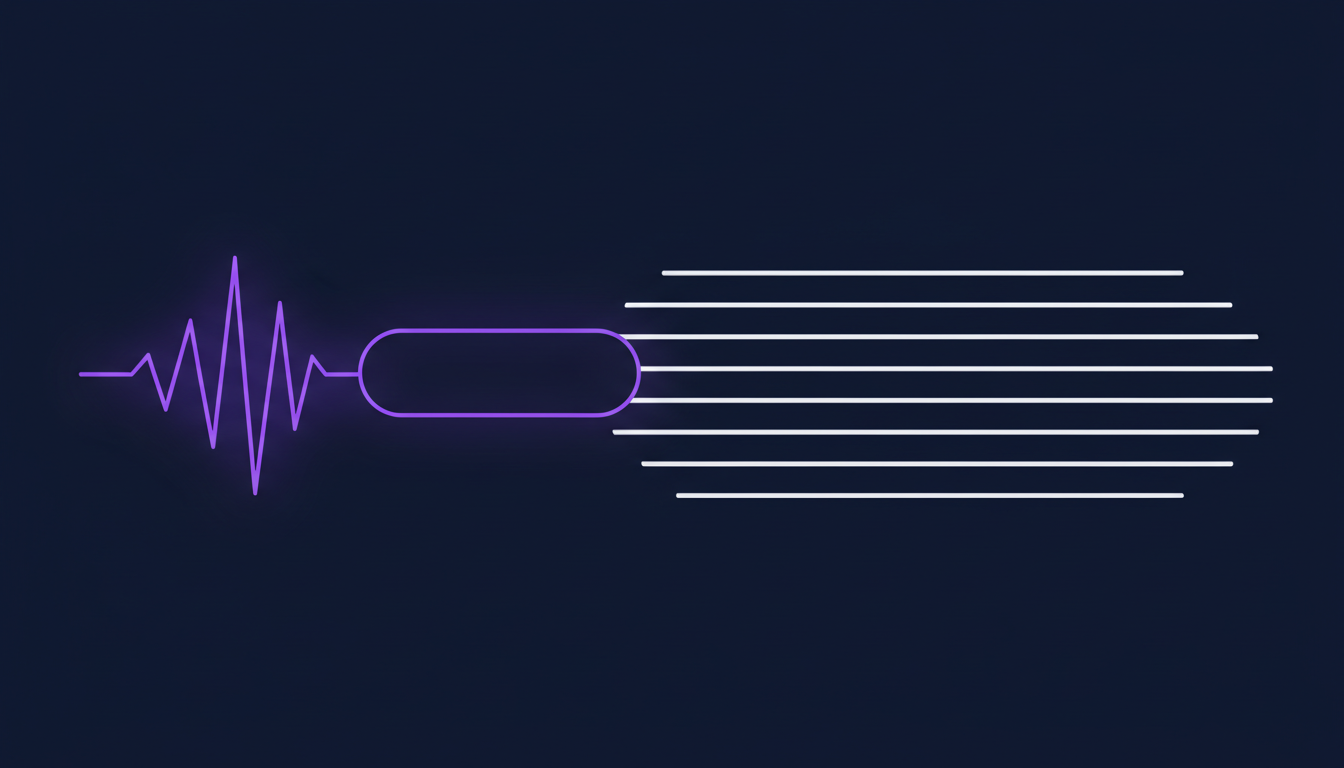
What happens between the two presses is five steps, and the order of them is the interesting part.
- Record. A hidden window captures the microphone. Same code path that was already proven in the app.
- Transcribe locally. A speech model that already lives on this machine does the transcription. Nothing is uploaded for this step.
- Fix the vocabulary. A shared word list corrects the brand terms speech models always mangle and strips filler words.
- Polish. One fast AI call cleans up grammar, false starts and self corrections, the kind where you say something and then say scratch that.
- Paste. The text goes to the clipboard, a tiny helper sends the paste keystroke, and your previous clipboard comes back half a second later.
The polish step never blocks. If the call fails or the key is missing, the regex cleaned text ships instead. A dictation tool that occasionally refuses to produce text because a network request timed out is worse than one that occasionally produces slightly rougher text.
One vocabulary file, shared on purpose
The vocabulary list is the same physical file the command center reads. Not a copy. The same one.
That is a deliberate constraint and it is the sort of thing that saves an afternoon later. Every speech model on earth writes our CRM's name as three separate words. Fix it once and both tools get it right. Fork the file and you get the version where it is fixed in one place, which you then have to remember, which nobody does.
The general version of that: when two tools need the same reference data, make them read one file rather than agreeing to keep two in sync. Agreement between humans is not a mechanism.
The keyboard shortcut was the hard part
This is the bit I did not expect to spend a day on.
Windows Magnifier, the accessibility zoom tool, hook binds a whole family of key combinations while it is running. Not registers, hook binds, which means it gets them regardless of who asked first. Two of the combinations we picked landed inside that family, and both double fired in a way that looked like our bug and was not.
Another candidate was one key away from creating a new virtual desktop, which is an alarming thing to do by accident mid sentence. And something else on this machine already owns a combination that looked obviously free.
So the app now tries its preferred shortcut, falls back through two alternatives if another program has claimed it, and shows the live one in the tray tooltip. That fallback chain exists because the honest answer to which shortcut is free on a given Windows machine is that nobody knows until they try.
One more limit that looks like a failure and is not: an app running as administrator cannot receive keystrokes from an app that is not. If the paste does nothing in one program, that is why, and the text is still on your clipboard.
The test that needs nobody to talk
My favourite part of this build is how it is tested.
You cannot ship a voice tool that only gets tested when a person remembers to talk to it. So the self test has Windows read a deliberately messy sentence aloud, full of filler words, through the speakers. The app hears it, transcribes it, runs the vocabulary and polish passes, and prints a report.
No human speech required, and it fails loudly when any step in the chain breaks. If a system's only test involves a person doing something by hand, it is not tested, it is watched.
What this is worth for a Go High Level San Jose operator
If you run your business out of a CRM, the amount of typing is genuinely one of the reasons notes do not get written. Not laziness. Friction. A call ends, the next one starts, and the note that would have made the follow up good never exists.
Three things worth trying, none of which need a custom build:
- Dictate your call notes first, before anything else. Windows and macOS both have built in dictation. Rough notes now beat polished notes never.
- Keep a list of the words your dictation gets wrong. Product names, street names, your own company. Most tools let you add them. Ours is a file, but a phone's shortcut list works too.
- Watch where your typing actually happens. If almost all of it lives in one system, better templates fix it. If it is scattered across six apps, you want something that works everywhere.
The honest lesson: this was not a hard build. The pipeline already existed and had been working for months. What it needed was to stop being a feature of one app and start being available everywhere, and that reframing was worth more than any single piece of the code.
If you want your own systems to stop making you retype things, that is most of what we do. Want to build this yourself? Join the On Point Tech Academy. It's free, and we build live every Tuesday and Thursday.
The On Point Tech Academy costs nothing and never asks for a card. We build live every Tuesday and Thursday, 12:30 to 1:30 PT.
Join the Academy free ← Back to all Field Notes