
Key takeaways
- A nightly build for a networking group's social account ran a consent check before anything could post: count the contacts in our CRM tagged as not wanting to be filmed or tagged.
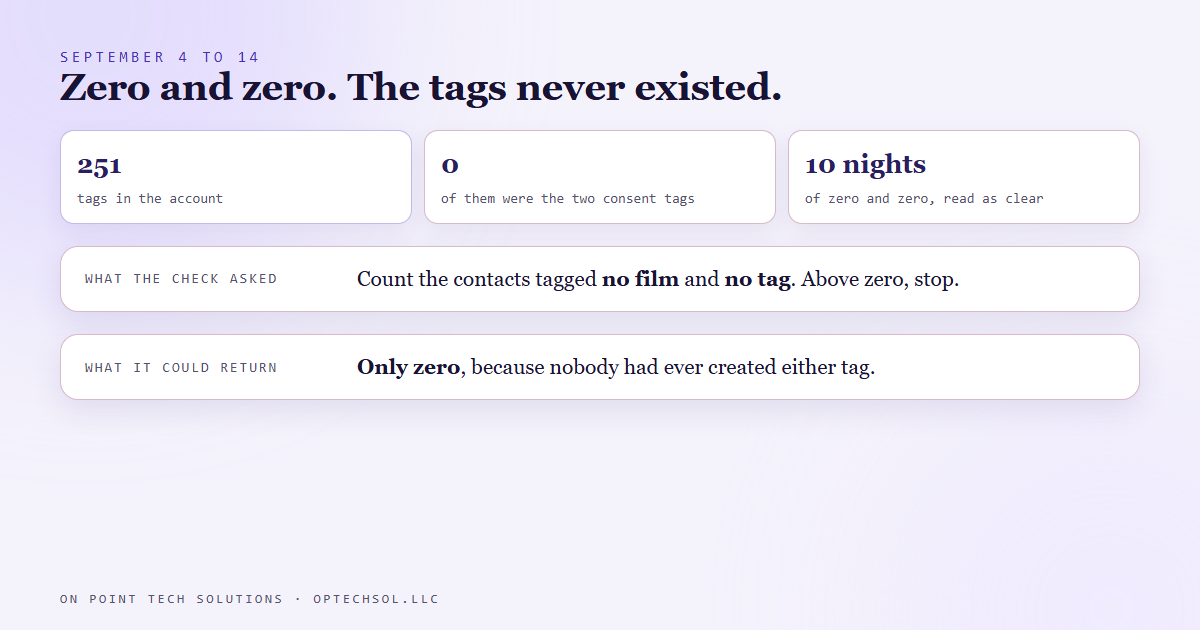
- From September 4 it logged zero and zero every night, and zero read as clear.
- On September 14 we listed the account's tags. There were 251 of them, and neither consent tag was on the list. The query could only ever return zero.
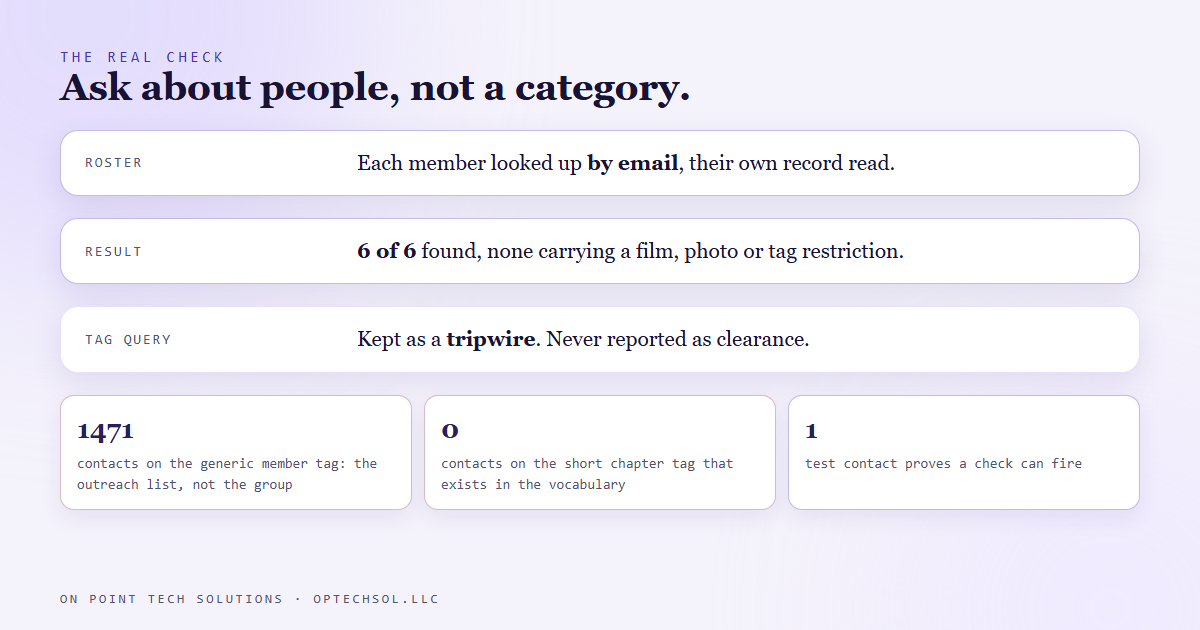
- The check that carries information reads each member's own tags, looked up by email from the roster. Six of six found, none carrying a restriction.
- The tag query stays in the build as a tripwire for the day somebody creates the tag. It is never reported as clearance on its own.
Your CRM probably has a do not contact list. Somebody set it up with good intentions, the campaigns are built to skip it, and nobody has checked lately whether anyone can actually get onto it. We build on Go High Level in the Bay Area for our own business and for clients, and in September one of our own gates turned out to be exactly that: a list nobody could join.
What the check was supposed to do
One of the accounts we run is the social page for a networking group I belong to. A nightly build picks a clip or a photo from a meeting, cuts it, writes the caption and stages it for approval. Before any of that, it runs a consent check. Members can say they do not want to be filmed or tagged, and the build has to respect that before it touches a frame with a face in it.
The check was written the obvious way. Query the CRM for every contact carrying the "no film" tag, then for every contact carrying the "no tag" tag, and if either count comes back above zero, stop and look at who it is. From September 4 that check ran every night, logged "zero, zero", and the build went ahead. Zero meant nobody had opted out. That was the whole gate.
September 14
Ten days in, we were doing an unrelated pass on the account and pulled the full tag list. The CRM returned 251 tags. Neither of the two consent tags was on it. They were not misspelled or renamed. Nobody had ever created them.
Think about what that means for the check. A query for contacts carrying a tag that does not exist returns zero contacts, every time, forever. For ten nights the check had been incapable of failing, which is a different thing from passing. And a member who wanted to withdraw consent had nowhere to record it that the check would ever see. They could have told me in person, I could have agreed, and the next night's build would have read zero and gone ahead.
Nothing was posted that should not have been, as far as we can tell. That is luck, and I would rather not run a consent gate on luck.
What a real check looks like
Creating the two tags would have made the query mean something, and we could have stopped there. We did not. The fix was to stop asking the CRM about a category and start asking it about people.
The build keeps a roster file for the group, with each member's name and email. The real check walks that roster, looks each member up by email, and reads the tags on their actual contact record. On September 14 it found six of six members, every one carrying the group membership tags, and none carrying any film, photo or tag restriction. That is a result with information in it.
The tag query stayed in the build, demoted. It is a tripwire now: if somebody ever does create one of those tags and puts a member on it, the count goes above zero and we will notice. But its zero is never reported as clearance, because we now know exactly what its zero is worth.
Two neighbours of the same trap
The same pass turned up two more tags that looked like answers and were not. The group's membership lives on a long, specific chapter tag. A shorter version of that tag exists in the account's vocabulary too, and zero contacts carry it. Check the short one and the CRM tells you the members are not in the account at all, which is false. And the generic "member" tag returned 1471 contacts, which is not the group. It is the regional outreach list from a different campaign.
Of the three tags, only the long specific one gave a true count.
The honest lesson
A filter that returns nothing has told you one of two things. Either nothing matches, or the filter cannot match. From the outside those look identical, and the second one is more common than you would think, because the filter was written by someone who assumed the category existed.
Our rule since then: before a zero is allowed to mean clear, prove the check can find something. Put a test contact on the tag and watch the count go to one. If you cannot make the check fire on purpose, all you have is a log line.
What this means for Bay Area businesses running Go High Level
You do not need a nightly video build for this to bite. Any time an automation decides based on a tag, a smart list or a custom field being empty, the same question applies: can that field actually be set, and has anyone ever set it?
- Open your tag list and compare it to the tags your workflows filter on. A workflow filtering on a tag that is not in the list is filtering on nothing.
- For every do not contact, do not call or do not film rule, add one test contact that should be caught, and confirm the automation skips them.
- When a check matters, check people. Walk the list of names and read each record.
- A count that has never moved is a question worth asking.
If you run Go High Level in the Bay Area and a gate in your account has read zero since the day it was built, it might be working. It might also be unable to do anything else. Find out which before you need it.
Want to build this yourself?
Join the On Point Tech Academy at optechsol.llc/academy. It's free, and we build live every Tuesday and Thursday.
The On Point Tech Academy costs nothing and never asks for a card. We build live every Tuesday and Thursday, 12:30 to 1:30 PT.
Join the Academy free ← Back to all Field Notes