
Key takeaways
- Three calls to our CRM came back "not found" in one afternoon. All three addresses were real. None of the requests had gone where we thought.
- The shell we ran the script from quietly rewrote any argument starting with a slash into a file path on the computer, before our script ever saw it.
- The error described the destination, "not found", and never showed the address that was actually used. So every clue pointed at the service.
- We nearly wrote all three down as endpoints that do not exist. They all work.
- The fix was a guard that refuses to send anything that looks like a file path, and prints the exact reason. The habit is printing the full address before you blame the other end.
Most of what we build for clients talks to their CRM through its programming interface. Create a contact, add a tag, search for a lead. Our scripts take a short address for each of those jobs, like the path for creating or updating a contact, and send it off.
On August 21 three of those calls failed in one afternoon. Create or update a contact. Add a tag to an account. Search contacts. Each one came back "not found".
That answer is specific. Not "you are not allowed", not "malformed". The thing you asked for is not there. So we started writing all three into our reference notes as removed.
They were not missing. The requests never reached them.
The layer in the middle
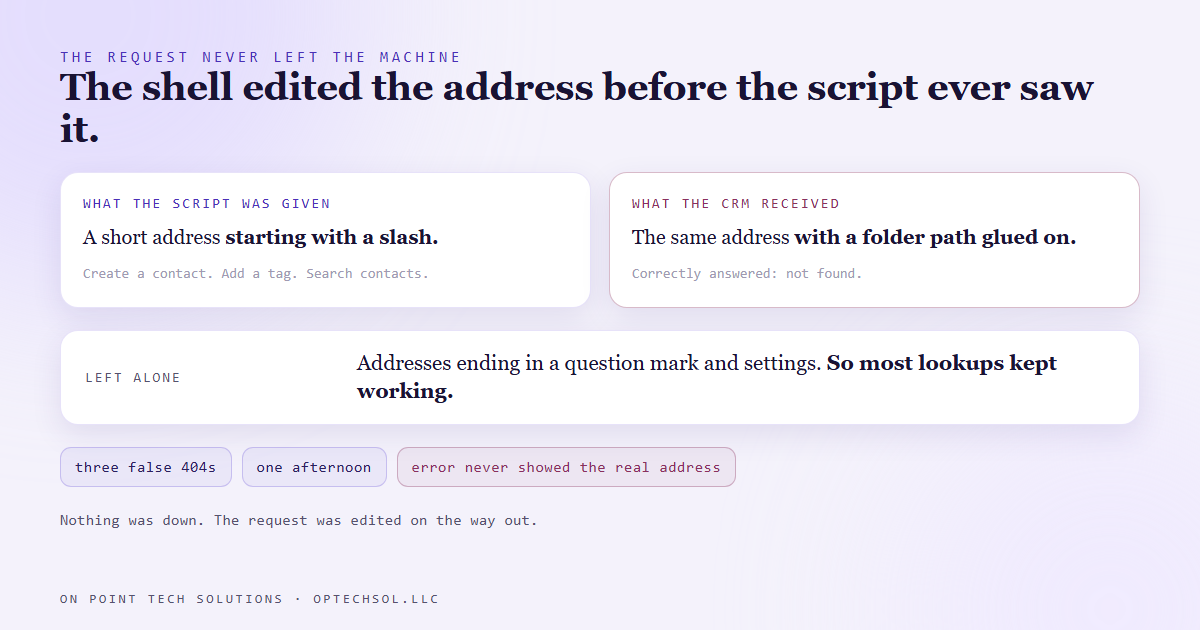
On our Windows machine a lot of scripts get launched from a Unix style shell that ships with Git. It is handy, and it has one habit that is easy to forget. When you pass it an argument that starts with a slash, it assumes you mean a file on disk and helpfully converts it to a Windows path.
So a short address like the one for creating a contact arrived at our script with the Git install folder glued to the front of it. The script built a web address out of that, sent it, and the CRM correctly answered that nothing lives there.
Nothing was down. The request had been edited on the way out, by a tool we were not even thinking about.
Why it looked exactly like an outage
Two things made this one expensive.
First, the error only described the result. "Not found" tells you about the destination. It says nothing about what you asked for, so the one piece of information that would have solved it in ten seconds, the address that was really sent, never appeared anywhere.
Second, it only broke some calls. Addresses that carried a question mark and a few settings on the end got left alone by the shell, so most of our simple lookups kept working. The bare addresses, mostly the ones that create or change things, were the ones that failed. That reads like a permissions problem. It was not one.
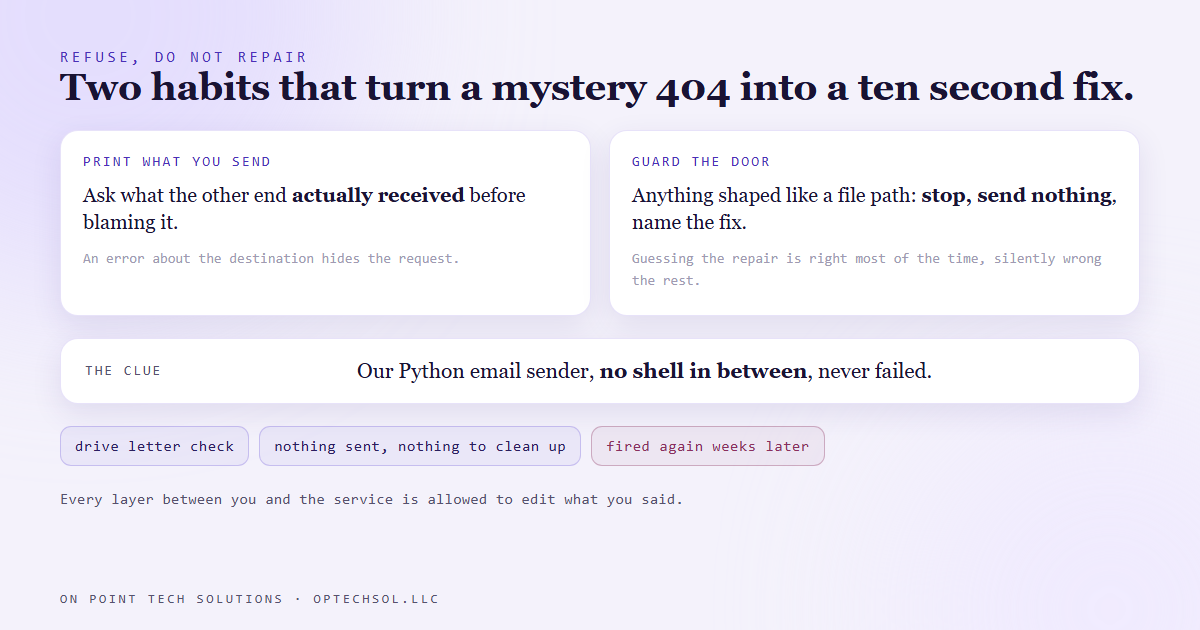
The clue that cracked it was a script that should have failed and did not. Our email sender calls the same kind of address and had sent fifteen emails without a problem that same day. It is written in Python, which hands arguments straight to the next program with no shell in between. Same address, same account, different launcher. That pointed away from the CRM and at the launcher.
What we changed
The simple fix is a setting that tells the shell to leave arguments alone, and it is written into our notes for every script that calls the CRM.
That was not enough on its own, because a setting you have to remember is a setting somebody will forget. So the script that talks to the CRM got a guard. Before it builds any request, it checks whether the address looks like a drive letter followed by a path. If it does, it stops, sends nothing, and prints the address it received plus the exact line to run instead.
We chose to refuse rather than repair. Trying to guess where the Git folder ends and the real address begins would be right most of the time and silently wrong the rest, which is the worst kind of fix. A loud stop with the reason attached costs a few seconds.
The guard has already paid for itself. A few weeks later this same blog's own publishing step hit it. Because the output was being filtered, it first looked like three vague errors. Once we read the full message, the guard had told us exactly what happened and nothing had been sent, so there was nothing to clean up.
The general version
Every layer between you and the thing you are calling is allowed to edit what you said. Browser autofill. A spam filter that rewrites links. A form builder that trims a field. An integration that maps a field to the wrong spot.
When something reports "not found", "invalid" or "no match", the first question is not whether the other end is broken. It is what the other end actually received. If you cannot answer that, you are debugging a guess.
What this means for your business
You have seen this shape even if you have never opened a terminal. A customer says your booking link "does not work". Your web person checks it and it works fine. Both are telling the truth, because the link in the customer's inbox was rewritten by their email security on the way in, and the version you tested is not the version they clicked.
Or your CRM says a lead "does not exist" when a form fires, because the form sends the phone number with a country code and the lookup searches without one. The contact is right there. The request arrived edited.
Three things worth doing this week. When a tool or a vendor tells you something is not found, ask to see the exact address, number or email that was sent, not just the error. Test your own links from a real email in a real inbox, not by pasting them into your browser. And if you pay someone to maintain your integrations, ask whether a failed call logs what it sent or only what came back.
For a Go High Level Bay Area business, the most common version is the form to CRM handoff. Submit your own form with a messy phone number and a capitalised email, then check what actually landed on the contact.
Want this built for you
We build integrations that log what they send, not just what comes back. Start at optechsol.llc.