
Key takeaways
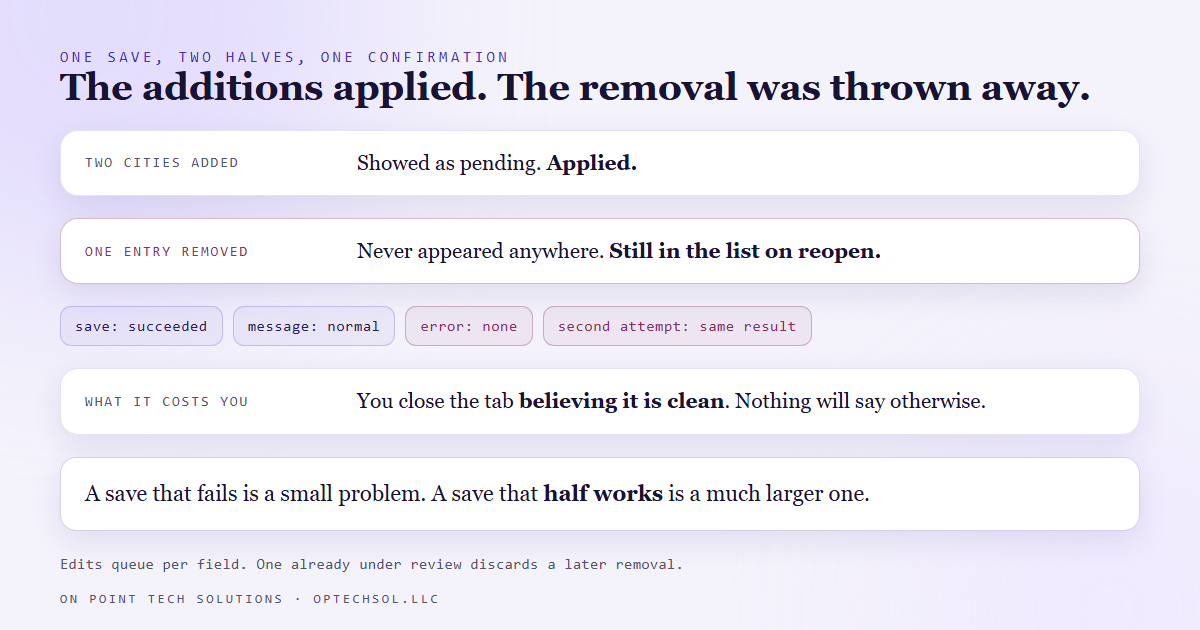
- We removed a wrong service area from a Google Business Profile. The save succeeded, the confirmation was normal, and the item was still there.
- Google reviews profile edits per field. While one edit on a field is waiting for review, a second save to that same field applies additions and silently drops removals.
- No error, no warning, no difference in the confirmation. The only sign is that the thing you deleted is still in the list when you reopen the editor.
- Once the first edit had cleared, the identical removal went through on the first try.
- The working rule: do removals in their own save, let it settle, and read the current against pending comparison Google renders under the field rather than trusting the toast.
Cleaning up a Google Business Profile is the least glamorous local SEO work there is and one of the highest leverage. The profile is usually the first thing a nearby customer sees, and it accumulates junk: a service area that was never right, a category from a different era, a phone number that belonged to somebody else.
We were tidying one. Two nearby cities needed adding to the service area, and one entry that made no sense at all needed removing. Both changes went into the same save, because they were both service area edits and that is what a person does.
The confirmation came back normally. Your edit is pending, it said, up to ten minutes to be reviewed. The two new cities showed as pending. The removal did not show at all.
A save that is partly honoured, and does not say which part
We reopened the editor. The entry we had deleted was back in the list. Not marked, not flagged, just there, as if the save had never mentioned it.
So we did it again, the same way, and got the same result. A normal confirmation and a field that still contained the thing.
What was actually happening is that Google queues edits on a field while they are under review, and a second edit landing on a field that already has one pending gets merged rather than replacing. Additions merge cleanly. Removals do not survive it. They are discarded, and nothing tells you.
We waited. Once the first edit cleared review and the new cities were live on the profile, we made the exact same removal, with no other change, and it went through immediately.
Nothing about the removal was ever wrong. The field was busy, and busy was invisible.
Why this one is worse than a plain error
A save that fails is a small problem. You see the error, you try again, you fix it.
A save that half works is a much larger problem, because it costs you the thing an error would have given you, which is the knowledge that something needs doing. You close the tab believing the profile is clean. You are wrong, and nothing will tell you until somebody happens to look.
For a business profile, that matters more than it sounds. A service area you do not actually serve pulls you into searches you cannot win and calls you have to turn down. A category that does not fit shapes what Google thinks you do. These are not cosmetic, and they are exactly the kind of item that gets deleted once, confidently, and never checked again.
The only honest confirmation on the page
The useful part of this is that Google does show you the truth. It just does not show it in the place you are looking.
Under each field, the editor renders a comparison of what is live now against what is waiting for review. Removals appear struck through. Additions appear highlighted. That block is the actual state of your edit, and it is the only thing on the page that is.
The message at the top of the screen is not. It tells you a save happened, which was always true, including in the case where half of the save was thrown away.
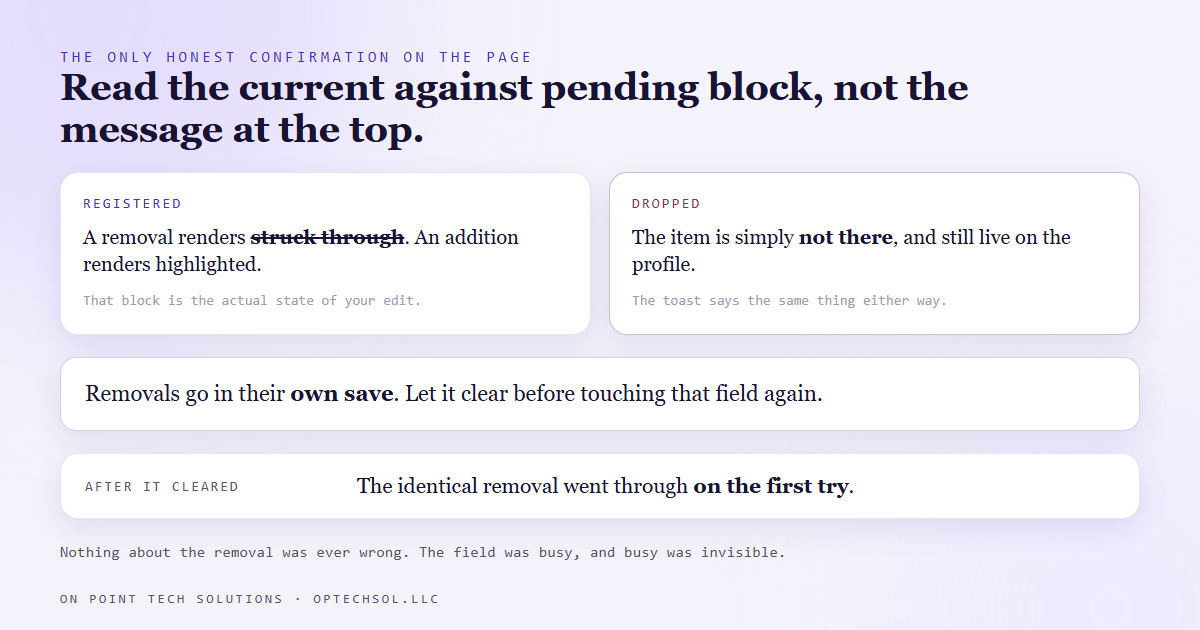
So the check is simple. Make the change, then look at that block. If the item you removed is not struck through, the removal did not register, regardless of what the confirmation said. Come back later and do it again rather than assuming it worked.
The rule we work by now
Removals go in their own save. Nothing else in the same submission, and nothing else touching that field until it clears.
It feels slower and it is not, because the alternative is doing the removal twice, finding out days later, or never finding out. A profile cleanup that takes three passes over a morning is finished. One that takes a single confident pass is usually not.
We also stopped batching unrelated changes into one save on that surface at all. When two changes go in together and one silently disappears, you now have to work out which one, on a system that will not tell you. Separate saves cost a few extra minutes and make every result readable.
What this means for your business
The specific version is worth acting on if you own a local listing: go and look at your service area, your categories and your hours, and if you clean something out, verify it later rather than at the moment you click save.
The general version is bigger. Any system that queues your change for review can behave differently depending on what is already in that queue, and almost none of them explain that. The confirmation you get back is about the request, not about the outcome.
So separate the confirmation from the proof. The confirmation is what the interface says immediately. The proof is the state of the thing, read back later, from wherever the truth actually lives. On a business profile that is the pending comparison. In a CRM it is the record itself. In an inbox it is the message arriving, not the send queue accepting it.
If you are a Go High Level San Jose business relying on your profile for calls, treat a removal as unconfirmed until you have seen it gone with your own eyes, on a later visit.
Want this built for you
We build local presence and automation systems that verify what actually changed. Want to build this yourself? Join the On Point Tech Academy. It's free, and we build live every Thursday.
The On Point Tech Academy costs nothing and never asks for a card. We build live every Thursday, 12:30 to 1:30 PT, with whatever AI you use.
Join the Academy free ← Back to all Field Notes