Key takeaways
- A duplicate video went out to one of our social accounts. We cleaned it up through the CRM tool that had published it.
- The tool answered success, with the words "Deleted Post". The video was still playing on the platform, caption and all.
- The delete only cleared the tool's own record of the post. It never reached the platform.
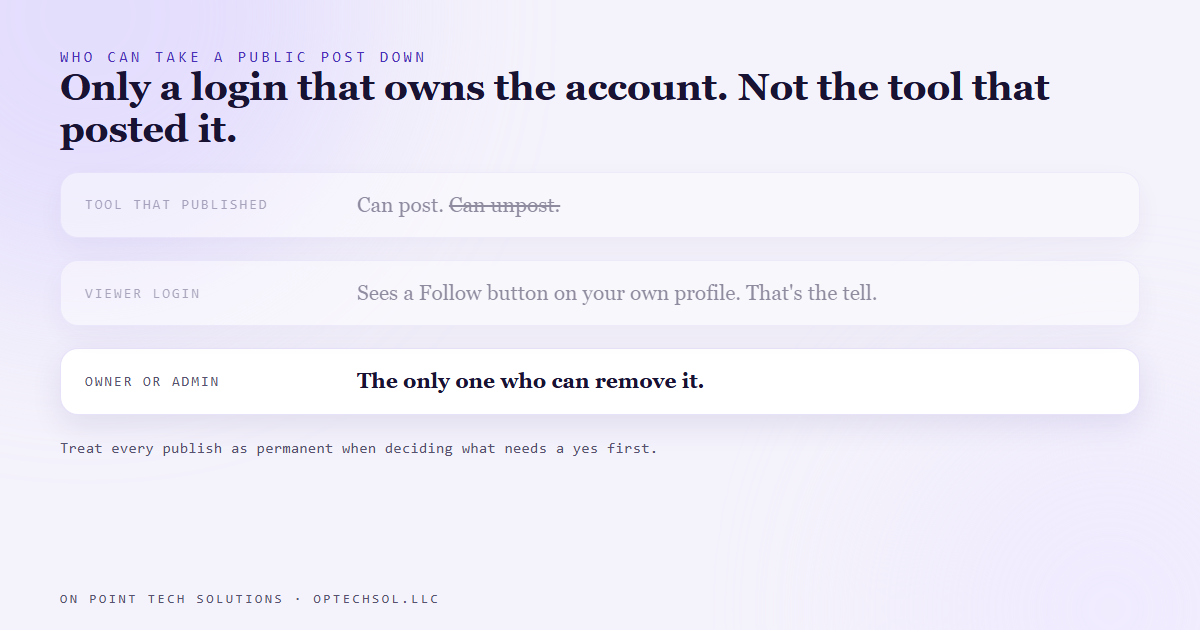
- Once a post is public, only someone signed into the account that owns it can take it down. The browser on our machine wasn't signed in as that account.
- A success message tells you what the tool did to its own records. Check the place the public actually sees.
We post to our social accounts through our CRM's social planner. One place to write, schedule and publish to every platform. It's a big part of how marketing automation San Jose businesses keep up with posting without living inside five different apps.
On August 1 a duplicate video went out to one of our video accounts. Same clip, posted twice. Not a disaster, but it looks sloppy, so we went to clean it up.
The obvious move was to delete it the same way it got there. Through the CRM. So we did.
Success, with nothing changed
The delete came back clean. Success true, and a message that said "Deleted Post". No error, no warning.
Then we did the one thing that actually matters. We opened the video's public address and reloaded it.
It was still playing, with the same caption, on the same account.
What the CRM deleted was its own record of the post, its bookkeeping. The line in its calendar that said this went out. It never sent anything to the platform asking it to remove the video. The message was accurate about the tool and said nothing true about the world.
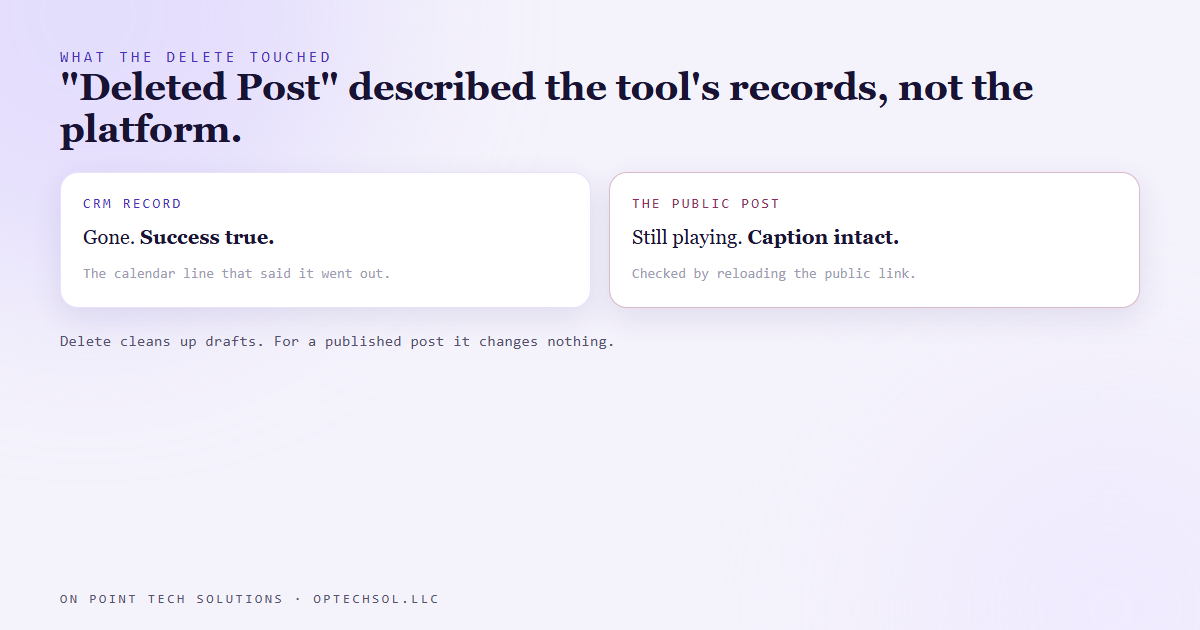
Our own API notes had said delete works for cleanup. That's true for drafts and anything that hasn't gone out yet. For a published post it's a no-op that looks like a success, which is the worst kind. We corrected the notes the same day.
No undo from the tool that published it
So the real way to remove a public post is from inside the account that owns it. Someone with owner or admin rights, on the platform itself.
That turned up a second problem. The browser on our machine wasn't signed in as the owner of those accounts. On the video platform it showed a Follow button on our own profile, which is the tell. You never see Follow on an account you're signed into. On another platform the browser was signed in as someone else's login that does have admin rights on our page, but isn't mine.
So cleanup wasn't a script's job. It needed a person, signed in as the right account, and a decision about which login to use. That's not something an automation should guess at.
The lesson we are keeping
The first one: a success message describes what a tool did to its own records. It doesn't describe the world. When the thing you care about is public, check it where the public sees it. Reload the page. Open the link.
The second: treat every publish as permanent when you decide whether it needs an approval. There's no undo button in the tool that posted it. That's a big reason nothing we post goes out without a yes first. The cheapest cleanup is the post that never went out.
What this means for marketing automation in San Jose
If a tool, an assistant or an agency posts for you, ask yourself one question. If something went out wrong tonight, who could take it down?
For a lot of local businesses the honest answer is "the guy who set up our Facebook in 2019." Or a former employee. Or an agency whose login you've never seen. The tool can publish. It usually can't unpublish. The account owner can, and if that isn't you, you don't fully own your marketing.
Three things worth doing this week:
- List every social account your business posts to. Next to each one, write the name of the person who holds owner or admin rights. If it's not you or someone on payroll, fix that first.
- Sign into each account yourself, on your own phone or computer. Make sure you can actually delete a post, not just see one.
- Next time a tool says something was removed or unpublished, open the public link and check. It takes ten seconds.
For a marketing automation San Jose business, the tools do the posting. Owning the logins is what lets you fix it when they get something wrong.
Want this built for you
We set up posting systems where you own every account and every post gets a yes first. Start at optechsol.llc.