
Key takeaways
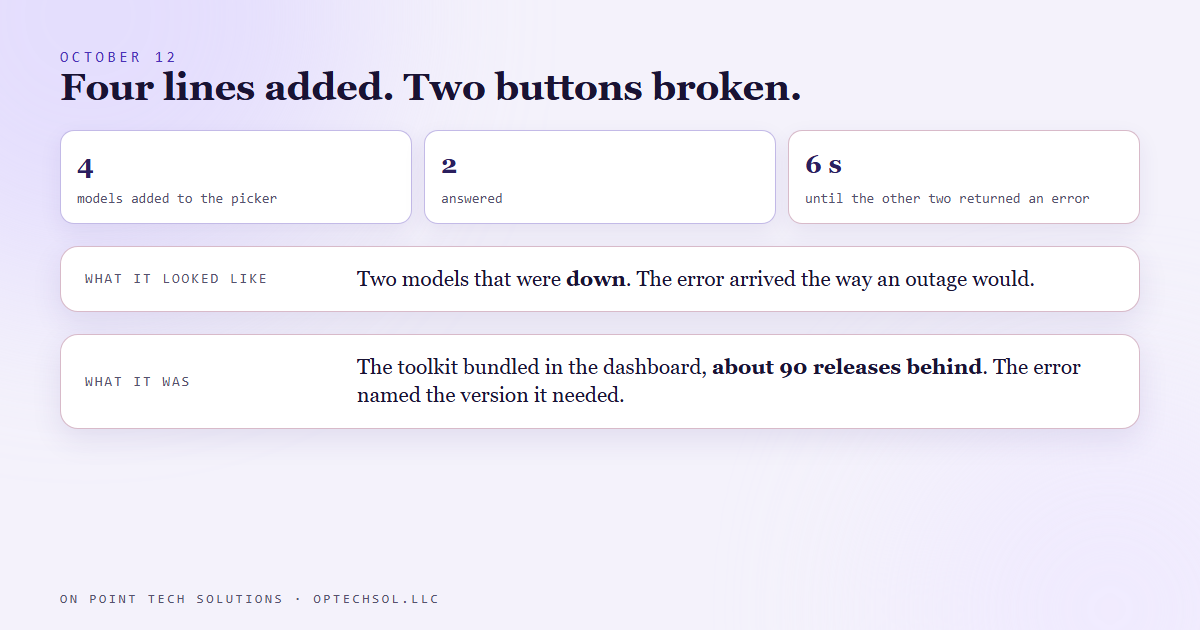
- Our command center runs its AI chats through a toolkit bundled inside the dashboard, not through the app on my desktop. On October 12 we wanted the newest models in its model picker, which looked like adding four lines to a list.
- Two of the four models answered. The other two came back in about six seconds with an error that read like the model was broken.
- The real cause was the bundled toolkit, which was about ninety releases older than those models. The error named the minimum version it needed.
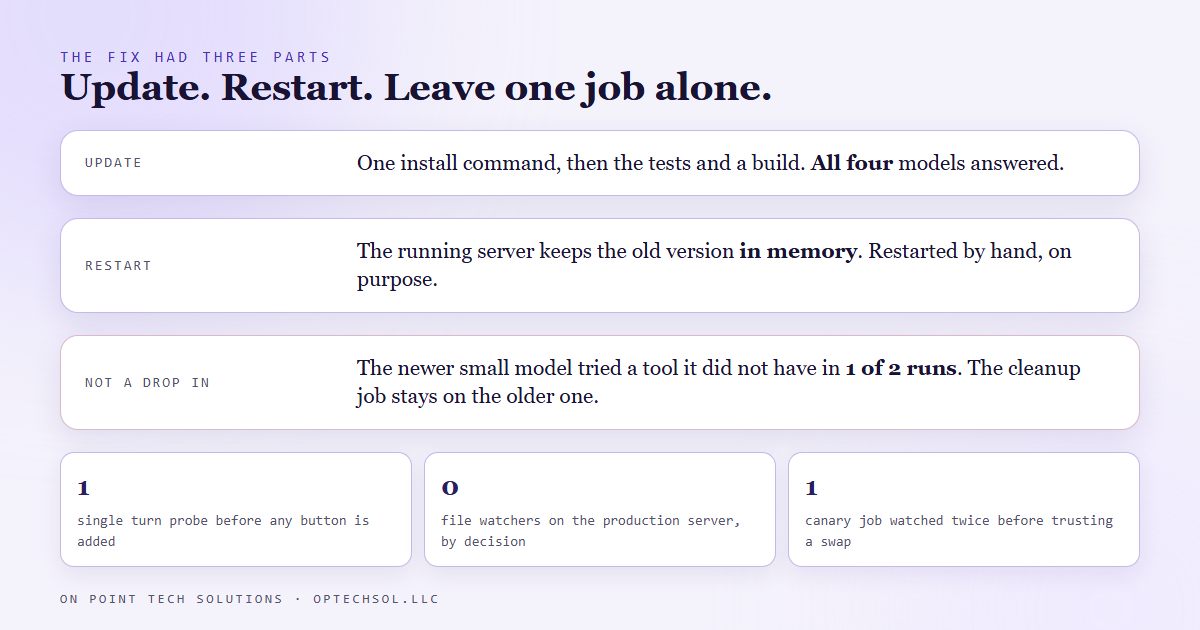
- Updating the toolkit fixed all four. The running server still had to be restarted, because it keeps the old version in memory on top of the new files.
- A smaller model was not a drop in for a one step cleanup job, so that job stayed on the older model. The rule now: try a new model through the dashboard's own toolkit before adding the button.
You buy a new card reader, plug it in, and it does nothing until the register gets its update. Nobody told you the register was the dependency. We build on Go High Level in San Jose and we also build the dashboard that runs our own business, and on October 12 our version of the card reader showed up.
What looked like a one line change
The dashboard has a chat view with a model picker. The picker is a list in the front end code: an id, a label, a short note. The newest generation of models had come out, so adding them meant four new entries in that list. I added them, rebuilt, opened the chat and tried each one.
Two answered normally. The other two came back in about six seconds with an error. The error arrived as an ordinary result flagged as a failure, which is how a model outage would arrive too, so in the chat window it looked for all the world like two of the four models were down.
Reading the error instead of the symptom
The command center does not use the AI app on my desktop or the one in my terminal. It runs every chat through its own copy of a developer toolkit that lives in the dashboard's dependencies, and that toolkit bundles its own build of the AI tooling. Nobody had touched that copy since it was installed. It was about ninety patch releases behind.
The error said so, once I read it as text instead of as a red box. It named the version the toolkit was on, and the minimum version each model required. One model needed a version well past ours. The other sat in between. The two that worked were simply old enough to be known to the toolkit we had.
So the fix had nothing to do with the picker. It was one install command to bring the toolkit current, then the test suite, then a build.
The restart nobody asked for
After the update, the live dashboard answered with the same error. New files on disk change nothing for a server that is already running. The process keeps whatever version it loaded at startup in memory, and it will keep using it until it starts again.
Our server restarts by hand, and that is a decision we made on purpose. It holds in flight agent runs, a login state and a few caches, and a file watcher that restarted it on every save would kill whatever was running mid sentence. We made that call in July: manual restart until the app is more mature. So the last step of a toolkit update is to check that nothing is in flight, stop the process, and start it again. After that, all four models answered.
The smaller model that was not a drop in
While the toolkit was fresh, I tried moving one more job to a newer model. The dashboard has a dictation feature, and the text it hears gets a one step cleanup from a small fast model: one turn, no tools, just tidy the transcript. The newer small model should have been a free upgrade.
In one of two runs it tried to call a tool it did not have, and died on the one turn limit. The older small model had never done that. So the cleanup job stayed on the older model, and it is still there today, until that behaviour is understood or the tools are removed from that call outright.
The honest lesson
The button was never the change. The real change was a version nobody had looked at since the day it was installed, and "one line" described the edit while saying nothing about the dependency underneath. Every system we run has a few of these: a copy of some tool that sits inside another tool and updates only when somebody remembers.
Our rule now has four steps. Before a new model goes on the menu, run one single turn query through the dashboard's own toolkit. If it answers, add the button. If it names a version, update the toolkit, run the tests, build, restart the server, and check it on the test instance before production sees it. And when a job moves to a new model, keep one small job as a canary and watch it twice before trusting it.
What this means for San Jose businesses running Go High Level
You will not be updating an AI toolkit, but your stack has the same shape: a plugin inside your website builder, or the integration between your CRM and your calendar. Each one carries a version, and the new feature you just turned on may need a newer one.
- When a new feature fails on day one, read the error for a version number before you decide the feature is broken.
- Know which copy of a tool your system actually runs. The one on your laptop and the one on the server are often not the same.
- After any update, confirm the running thing picked it up. A restart is part of the update.
- When you swap something out, keep one small daily task on it and watch that task for a few days.
If a new button in your Go High Level account in San Jose does nothing, the button is rarely the problem. Something underneath it needs to catch up first.
Want to build this yourself?
Join the On Point Tech Academy at optechsol.llc/academy. It's free, and we build live every Tuesday and Thursday.
The On Point Tech Academy costs nothing and never asks for a card. We build live every Tuesday and Thursday, 12:30 to 1:30 PT.
Join the Academy free ← Back to all Field Notes