Key takeaways
- On August 17 we set a rule that the AI agents answering our website chat and texts never reply with long dashes.
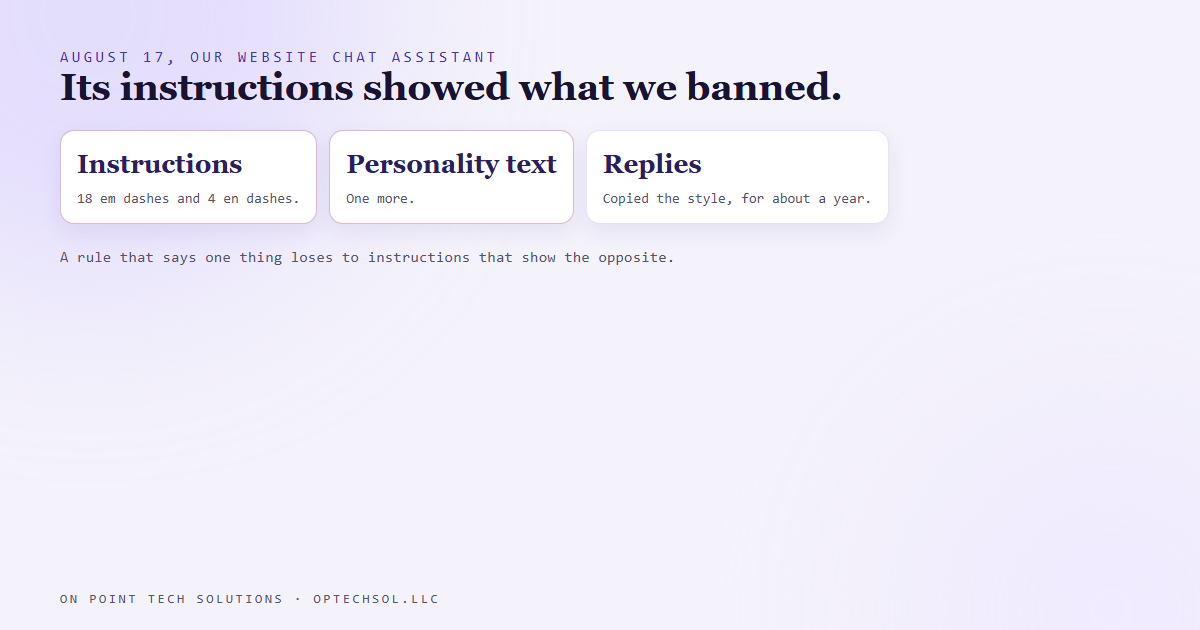
- A missing rule wasn't the problem. The live agent's own instructions held 18 em dashes and 4 en dashes, and its personality text held one more.
- The model copied that style straight into replies to customers, and it had been doing that for about a year.
- A rule that says one thing loses to instructions that show the opposite on every other line.
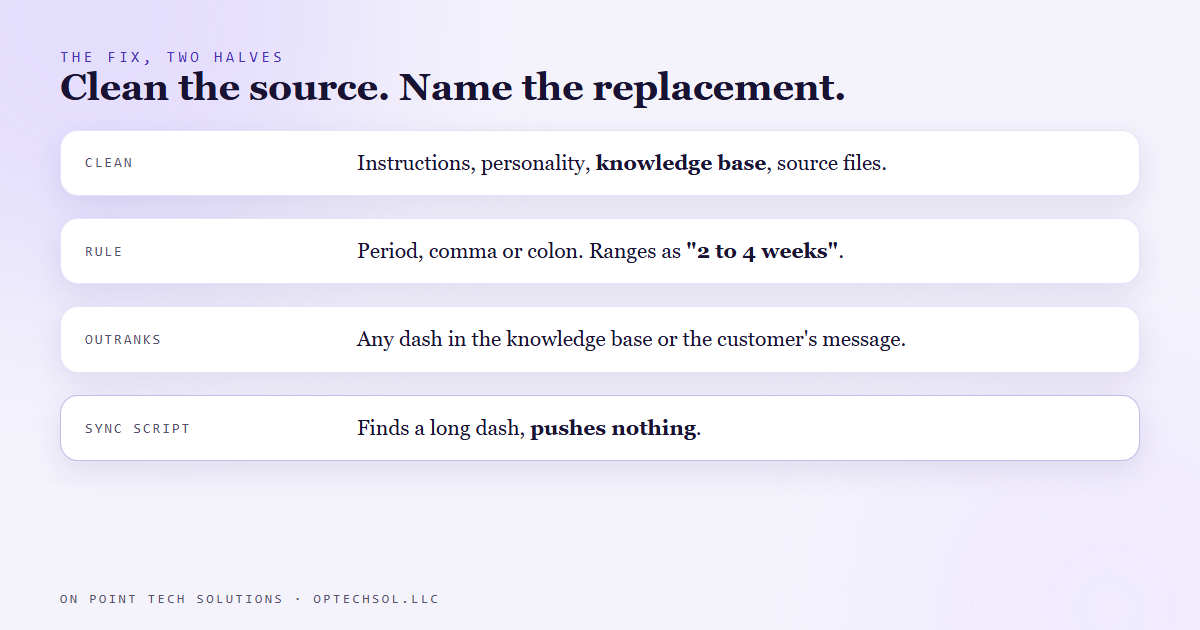
- The fix had two halves: clean the pattern out of everything the AI reads, and write a rule that names what to use instead. Our sync script now refuses to push a file with either dash in it.
Plenty of the Go High Level Bay Area businesses we talk to have an AI assistant answering something by now. Website chat, text replies, missed call follow up. And plenty of them have had the same moment we did: you read a reply your AI sent a real customer, and it doesn't sound like you.
Ours had a very specific one.
The dashes
Our house style for anything a person reads has no long dashes in it. No em dashes, no en dashes. We write short sentences and use a period, a comma or a colon instead. Part of that is just how we talk. Part of it is that a lot of people now read a long dash as a sign that a bot wrote the message, and a reply that looks automated gets trusted a little less.
Our chat assistant used them constantly. Pricing questions, booking a call, explaining a service, it didn't matter.
So on August 17 we set the rule: the agents answering chat and texts never reply with long dashes. The obvious move was to add one line to the assistant's instructions that said "don't use dashes" and call it done.
Before we did that, we read the instructions.
What the instructions were teaching it
Every AI assistant like this runs on written instructions. Who it is, how it talks, what it's allowed to promise, how to hand off to a person.
We counted. The live agent's instructions held 18 em dashes and 4 en dashes. Its personality description had one more. The instructions were telling it how to talk to customers while showing it, line after line, the exact punctuation we wanted gone.
These models pick up style from what they read far more than from what they're told. If the instructions are full of long dashes, the replies will be too, no matter how politely a line near the bottom asks otherwise. Adding "don't use dashes" to a document that uses them twenty two times would have been a coin flip at best.
And it had been happening for about a year.
The fix had two halves
The first half was cleaning out what the assistant reads. Not just the instructions. The personality text, the knowledge base it pulls answers from, and every file we paste into that knowledge base. If any of those still modelled the old style, it would leak back in.
The second half was a rule that says what to do, not just what not to do. A bare ban leaves the model guessing. So the rule names the replacements. Use a period, a comma or a colon where a dash would go. Write ranges as "2 to 4 weeks" and "Monday to Friday." A normal hyphen inside a word like "white-glove" is fine. And the rule wins even if a dash shows up in the knowledge base or in the customer's own message.
Then we made it hard to undo by accident. The instructions and knowledge base live in files on our side, and a script pushes them up to the live assistant. That script now checks every file before it sends anything. If it finds a single em dash or en dash, it stops, says where and how many, and pushes nothing.
What this means for Go High Level Bay Area businesses
The dashes were just the part we happened to notice. What it showed us is how an AI learns to sound like your business.
You already know the human version. Hire someone new, hand them the training doc that says "be warm and personal," and then let them learn the job by reading your last six months of customer emails. If those emails are short and stiff, the new hire will be short and stiff. They learn from what you show them, not from what the doc says.
An AI assistant works the same way, only more so. Its instructions, its sample answers and the documents you feed it are the six months of emails. If they're full of corporate phrases, it'll talk like a brochure. If they're copied from an old website, it'll describe last year's services. If the example replies are long, every reply will be long.
Three things worth doing this week:
- Open the instructions behind any AI that talks to your customers and read them out loud. If they don't sound like you, the replies won't either.
- Look at the documents in its knowledge base. Anything outdated, copied from somewhere else or written in a different voice is teaching it something.
- Pick the one habit you most want it to drop, and write the rule as "do this instead," with an example, not just "don't."
A good Go High Level Bay Area setup lets you see and edit everything your AI reads, so you can fix the source instead of arguing with the output.
Want to build this yourself?
Join the On Point Tech Academy at optechsol.llc/academy. It's free, and we build live every Tuesday and Thursday.
The On Point Tech Academy costs nothing and never asks for a card. We build live every Tuesday and Thursday, 12:30 to 1:30 PT.
Join the Academy free ← Back to all Field Notes