
Key takeaways
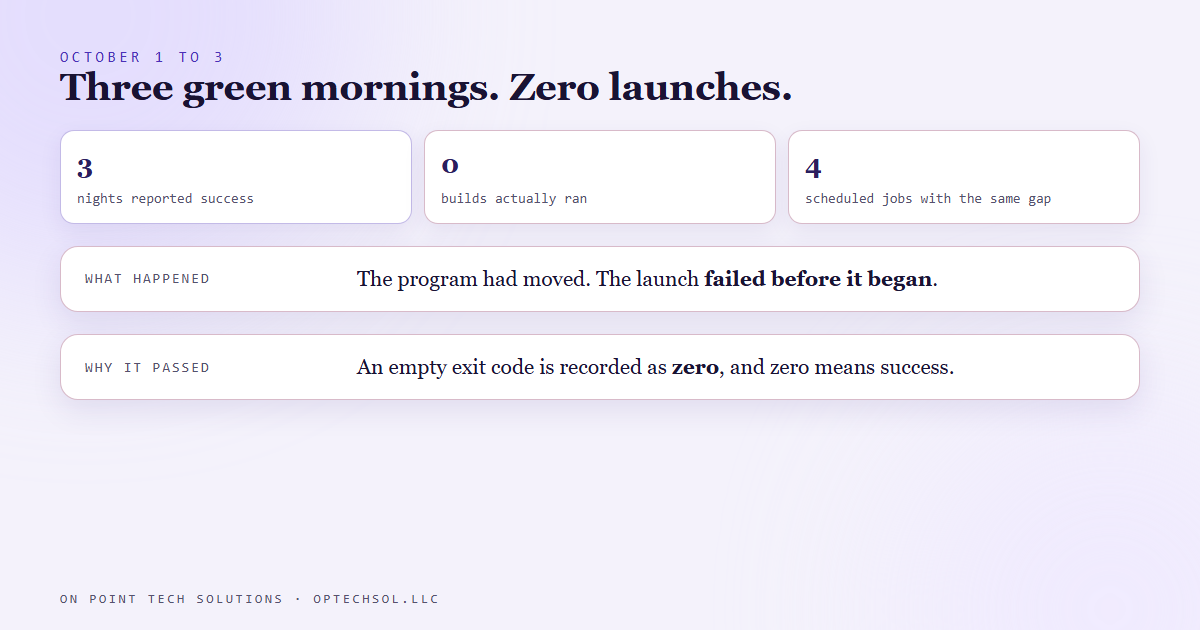
- From October 1 to 3, the scheduled task behind one account's nightly build showed a clean result every morning. Nothing ran on any of those nights.
- The program the task launches had moved to a new folder. The launch failed before it began, which leaves the exit code empty instead of failed.
- In the scripting language our wrappers are written in, an empty exit code gets recorded as zero. Zero means success.
- The task scheduler, our fleet health check and our dashboard all judge a job by that code first, so every alarm downstream stayed quiet.
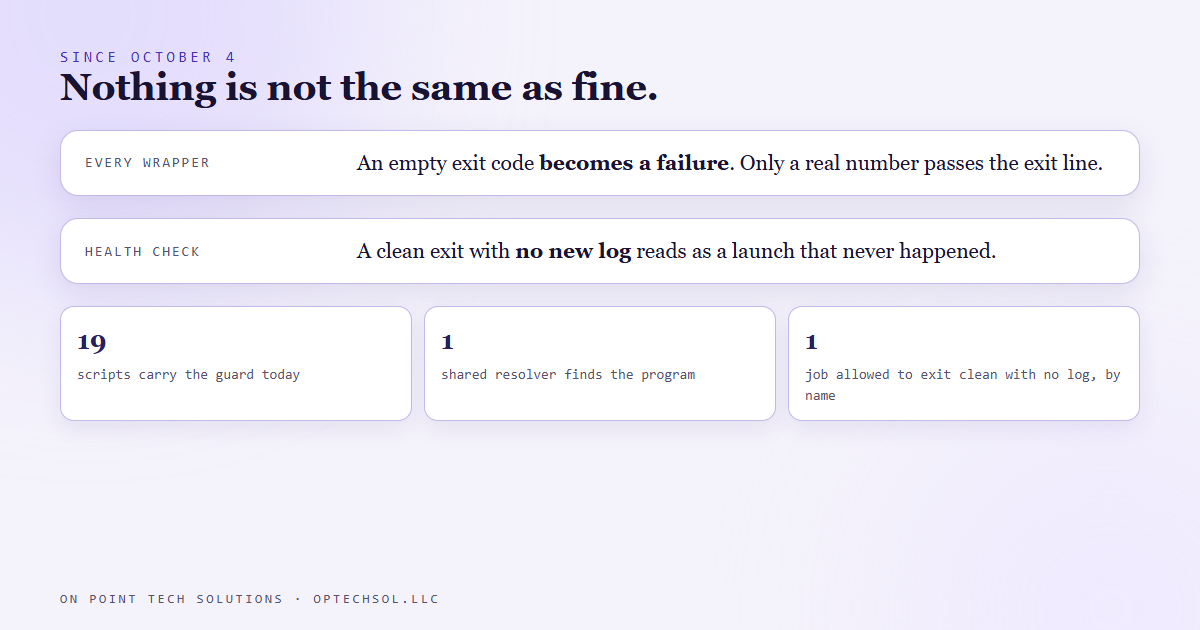
- Since October 4 every headless wrapper we run treats an empty exit code as a failure, the health check treats a missing log as a launch that never happened, and a new wrapper copies the pattern.
Picture a voicemail box that has been full for a week. Nobody can leave a message, so no call ever shows up as a missed call. The phone looks quieter than usual and that is the whole clue. We run Go High Level in San Jose for our own business, and for three nights in October one of our scheduled jobs went quiet in exactly that way.
What the nightly build does
Several of the social accounts we run get built the night before. A scheduled task fires in the evening, launches our AI assistant from the command line with a long written prompt, and that run fills the next day's posting slots from real footage. A separate task fires every 15 minutes the next day and posts only what is due and approved.
Each nightly task runs through a small wrapper script. The wrapper launches the program, waits, captures the exit code, checks the log it wrote, and then exits with that same code so the task scheduler can see it. The task scheduler keeps the last result. Our fleet health check reads those results every morning, and our dashboard shows them as a row of lights.
Three green mornings
Around the start of October the program our wrappers launch moved to a different folder on the machine. The wrapper still pointed at the old path. So that night the launch failed before the program started. No prompt was read, no build ran, no slots were filled.
The wrapper did what it was written to do. It captured the exit code and passed it along. The problem is what an exit code looks like when there was no program to exit. It is not a failure code. It is nothing, an empty value. And in the scripting language our wrappers are written in, exiting with an empty value is recorded by the system as exit zero, the code for success.
So the task scheduler logged a clean run. The health check saw a clean run. The dashboard lit the row green. Three nights in a row.
Three other scheduled jobs on the same machine turned out to have the same three day gap, for the same reason. None of them raised anything either.
Failed is not the same as never started
Every alarm we had was built for a job that runs and fails. A short log, a bad exit code, an error line, a result that does not match the queue. All of those assume the job got far enough to produce evidence. A launch that never happens produces nothing, and a system that reads nothing as fine will read it as fine every single time.
The clue was there, the same way the quiet phone is the clue. The build's log folder had no new file for three nights. We just were not checking for the absence of a file. We were checking the code.
The fix
On October 4 we went through every headless wrapper we run and added the same two lines. Nineteen scripts carry them today. Right after the exit code is captured, an empty value is replaced with a failure code. And the final exit line only passes a real number through; anything else exits as a failure. One wrapper also clears the stale code before launching, so a leftover zero from an earlier command cannot leak into the result.
The path problem got a shared resolver, one small file the wrappers load, so when the program moves again there is one place to fix.
The health check changed too. For the jobs that must run every night, a clean exit with no new log file is now read as a launch that never happened, and it says so. One job is allowed to exit clean with no log when nothing is due, and it is listed by name so the exception cannot spread.
Any new wrapper copies the pattern, and the wrappers carry a comment pointing at the day it was learned.
The honest lesson
We had built alarms for the failures we had already seen. An expired login, a short log, a wedged session, a bad response. This one was a different shape: nothing happened, and nothing is the one input most checks are not written to handle. The fix was small. The lesson is to ask, for every job that matters, what the system shows when the job does not start at all, and whether that looks any different from a good night.
What this means for San Jose businesses running Go High Level
You have scheduled things in your account that you assume are running. The review request that goes out two days after a job. The reactivation text in month three. The weekly report email. Most owners check those when a customer complains.
- For each automation that matters, find the proof it ran. Not the status on the workflow, the actual sent message or created task from this week.
- Count the absences. If 30 jobs closed last week, 30 review requests should exist. A clean dashboard with 22 is a failure nobody has noticed yet.
- When you change a tool, a number, a login or a folder, go look at the next scheduled run of anything that depends on it. The night after a change is when the quiet failures start.
- Put one weekly reminder on the calendar to open the raw history, not the summary, for your three most important automations.
If your Go High Level account in San Jose has shown green for months, pick one automation and prove it ran yesterday. It takes five minutes and it is the only check that catches this.
Want to build this yourself?
Join the On Point Tech Academy at optechsol.llc/academy. It's free, and we build live every Tuesday and Thursday.
The On Point Tech Academy costs nothing and never asks for a card. We build live every Tuesday and Thursday, 12:30 to 1:30 PT.
Join the Academy free ← Back to all Field Notes