
Key takeaways
- We push the text of our automation course into our CRM's course area through the CRM's own interface. The push said success.
- One chapter came back 40 characters shorter than we sent it. The whole difference was one example: a link carrying a merge field for the contact's name.
- The platform runs every lesson through its merge processor before saving it. A lesson has no contact, so the field became nothing, and the example stopped explaining anything.
- A day earlier the same save had turned 70 escaped angle brackets back into raw ones, which makes placeholders like an ID vanish in a browser.
- No error and no warning either time. The only thing that caught both was pulling the text back and comparing it to what we sent.
Every automation we build gets an entry in a course that lives inside our CRM's membership area. It is organised into 13 chapters, and each entry says what the automation does, what triggers it and what can go wrong with it. We do not type those lessons into the course editor. We write them in files, and a script pushes the text into the course through the platform's interface.
That is the only way a course with that many entries stays accurate. It also means the course is only as good as what the platform actually keeps when we push to it.
A success that was 40 characters short
On September 6 we pushed an update. Every lesson answered success.
We do not stop at success anymore, for reasons that will be clear in a minute. After a push we pull every lesson back down and compare it to what we sent, character for character, with spacing tidied up so line breaks do not count.
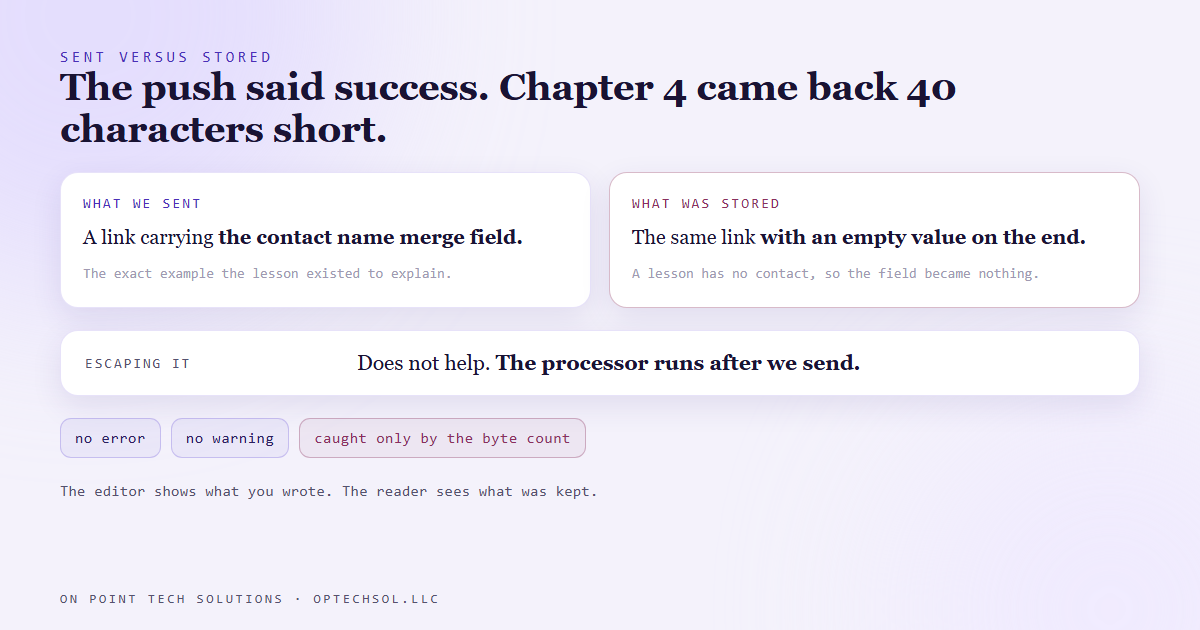
Chapter 4 came back 40 characters shorter.
The difference was one example. Chapter 4 has a lesson about a trap in links that carry a contact's name. When you put the contact name merge field into a link, the name can get cut off at the first space, so a lead named Mary Ann arrives as Mary. The lesson showed the exact link that goes wrong, with the merge field sitting in it.
The platform stored the link with the merge field removed. The example now showed a link with an empty value on the end, which teaches nothing, in the one lesson whose whole job was that example.
Why it happened
Merge fields are the placeholders in double curly braces that a CRM fills in for each contact. Hi, then the first name. They are the reason one email template can greet a thousand people by name.
The platform runs every lesson through that same merge processor before saving it, probably so course owners can personalise lessons for each member. But a lesson being saved has no contact attached. So the processor looked at our example, found a merge field, filled it with the only value it had, which is nothing, and saved the result.
We could not escape our way out of it either. Escaping is what you do on the way out, so a special character is treated as text. The merge processor runs on the platform's side, after we have sent it, so any escaping we did was already gone by the time it ran.
It was the second rewrite that week
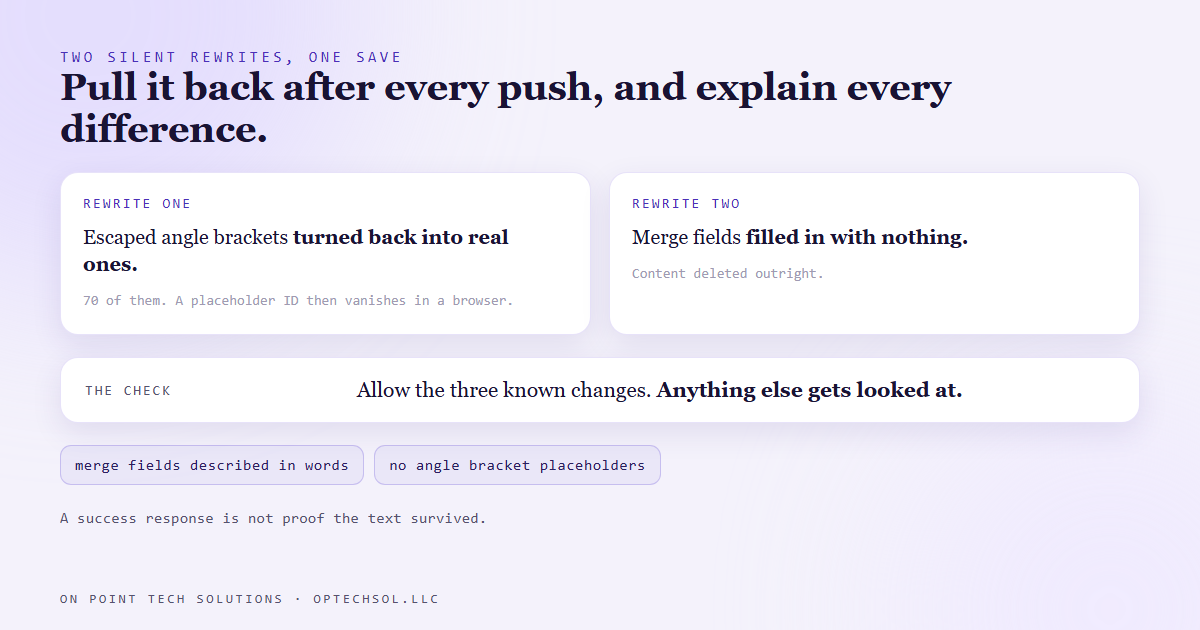
This is why we compare instead of trusting success. The day before, the same kind of pull had found 10 of 13 lessons coming back a few dozen characters short. Every difference was the platform turning escaped angle brackets back into real ones, 70 of them across four chapters.
That sounds harmless until you see what it does to a placeholder. Our lessons write things like an address with an ID in angle brackets on the end. Stored raw, a browser reads that ID as an unknown tag and hides it. The address in the lesson just stops halfway.
Two different rewrites, one save, both silent. One changes characters and one deletes content.
What we changed
Three things. The comparison runs after every single push, and it allows exactly the three character changes we already know about. Anything else is a rewrite we have not explained yet, and it gets looked at before we call the push done.
We stopped writing a literal merge field anywhere in a lesson. The lesson now describes it in words, a link carrying the contact name merge field, which a reader understands and the processor has nothing to grab.
And placeholders are written without angle brackets, so there is nothing for a browser to hide.
What this means for your business
Your tools rewrite what you paste into them more often than you would think. Paste from a word processor into a website builder and the quotes and spacing change. Put a merge field in an email and send it to a contact with no first name, and they get "Hi ," with a lonely comma. Type a special character into a text message and a whole message can get split in two.
None of these throw an error. The editor shows what you wrote. The customer sees what was kept.
Three things worth doing this week. Send your main email template to a test contact with no first name and read what arrives. Open one published page on your phone, not in the editor, and read it top to bottom. And if you train your team with written SOPs inside a course or a document tool, open the published version of one lesson and check that every example is still there.
For a GHL consultant Bay Area business running courses or email templates, the merge field test takes two minutes and catches the most embarrassing version of this.
Want this built for you
We build systems that check what was actually saved, not just what was sent. Start at optechsol.llc.