
Key takeaways
- The standard way to write a slow zoom on a still uses the tool's own running zoom value, and on a looping still that value never advanced on our machine.
- Measured, the picture moved 81 pixels out of more than two million across two seconds. It rendered, exited cleanly, the zoom was visibly in the command, and nothing moved.
- It shipped in a template from the day it was written, so every screen push in every episode of one of our channels was frozen.
- Nobody caught it because a frozen push looks exactly like a deliberate hold. The symptom of the bug is indistinguishable from a choice.
- A four percent zoom is invisible in a thumbnail sized comparison, so a downscaled difference check cannot disprove motion.
There is a shot every video uses. A still image, a screenshot or a photo, with a very slow zoom on it so the frame breathes instead of sitting dead. Ours did too, on paper.
The command that produces it is the most copied recipe in video tooling. Tell the filter to take the current zoom level, add a tiny amount, stop at a maximum. It is in every tutorial and every answer thread, and it is what we had. On our machine, on a still image fed in as a loop, that running zoom value never advanced. Not slowly. At all.
What makes it hard to see
Consider what the tool does when this happens. It accepts the command, runs, exits successfully, and writes a file of the right length and size, with the zoom filter plainly there if you go looking. The output is a still image held for two seconds, which is a completely normal thing for a video to contain.
That is the property worth taking from this story. The failure did not produce anything broken. It produced a deliberate looking editorial choice. Nobody watching thinks bug. They think the editor wanted a beat there.
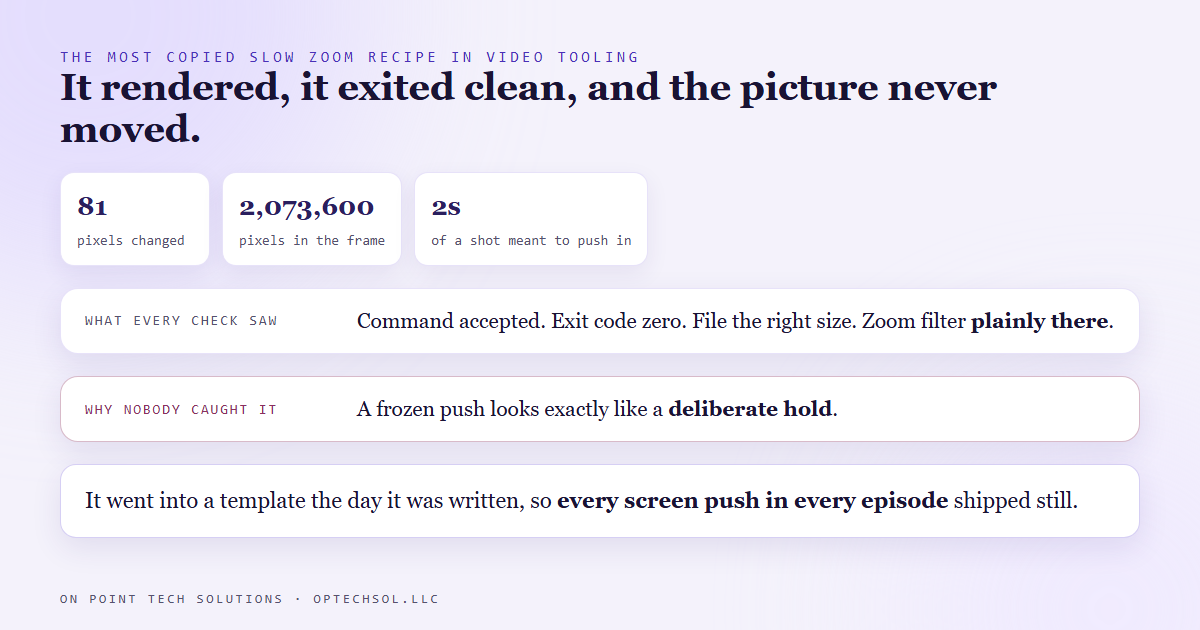
We only know the number because we eventually measured it. Across two seconds of a shot meant to push in, 81 pixels changed out of 2,073,600.
How long it had been happening
This is the part that stings. The broken form went into a template the day that template was written, and every video built from it inherited it. So every screen push in every episode of that channel shipped completely still.
Our full screen text frames were worse in a quieter way: no movement written for them at all. Not broken, just never added. Between a frozen push and no push, nothing on screen moved for long stretches.
We found it doing something unrelated: measuring our shot rhythm against reference channels in the same lane, because the videos felt slow. It was not a mood. Our median shot ran about twelve and a half seconds, against one and a half to two and a half for the channels we compared with. Nothing moving is a large part of why a twelve second shot feels like twelve seconds.
The fix, which is a different way of asking
The broken version asks the tool to remember. Take where you got to and nudge it further. That requires the value to carry from one frame to the next, and with a looping still on this setup it does not.
The working version never asks it to remember. You know the duration, so you know how many frames there are. Make the zoom a plain function of which frame you are on: at frame zero no zoom, at the last frame the full amount, everything between proportional. Nothing accumulates, so nothing can fail to accumulate.
Same command shape, same filter, same render time. The same two seconds now moves about 160,000 pixels, a little under eight percent of the frame, and it reads the way a slow push should. We put it on both paths, so the text frames got their first movement ever at the same time.
The measurement trap underneath
There is a second lesson that cost more than the first, and it is about how the check was done. The natural way to ask whether two frames differ is to shrink them both down and compare. Fast, the default in most tooling, and for catching a black frame it is fine.
It cannot answer this question. A four or five percent zoom moves each pixel by a tiny fraction of the frame. Shrink the picture to a thumbnail first and that movement vanishes into a single pixel of the reduced image, so the comparison reports no change. Which is what it reported when the zoom worked, and also when it was broken.
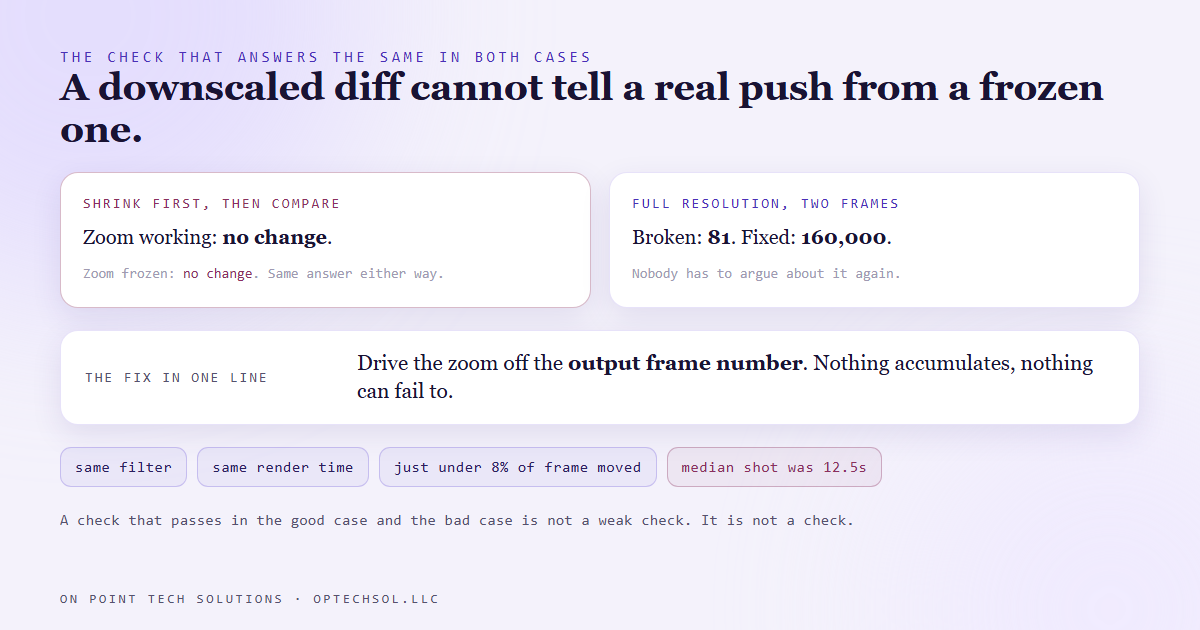
A check that gives the same answer in the good case and the bad case is not a weak check. It is not a check at all, and it is worse than none, because it hands you a passing result.
The version that works is unglamorous. Pull two frames out of the finished video at full resolution, one near the start of the shot and one near the end, and count the pixels that changed. Now the broken case says 81 and the fixed case says 160,000, and nobody has to argue about it again.
What this means for your business
The general shape shows up everywhere, and it is worth naming so you can spot it: a defect whose symptom is indistinguishable from a decision.
A follow up sequence that stops after the first message looks like a sequence designed to be short. A form field that never populates looks like a field customers choose not to fill in. A report showing the same figure every month looks like a stable business. In each case the system is silent, the output is plausible, and everyone downstream assumes somebody meant it. These do not get found by error monitoring, because there is no error. They get found by measurement, or by comparison against something that works.
Three things worth doing this week. For anything automated that produces a visible result, write down what it looks like when it is working, as a number rather than an adjective. Check that your checks can fail, by feeding them something you know is broken and confirming they say so. And when something feels off but everything reports green, measure at full detail rather than trusting the summary, because summaries are where small movements go to disappear.
For a Go High Level Bay Area business running automated campaigns, the version you most likely have is a workflow quietly doing nothing for a segment of your list while reporting perfect health. Nothing errored. Nobody was reached.
Want this built for you
We build systems that measure their own output rather than reporting that they ran. Want to build this yourself? Join the On Point Tech Academy. It's free, and we build live every Thursday.
The On Point Tech Academy costs nothing and never asks for a card. We build live every Thursday, 12:30 to 1:30 PT, with whatever AI you use.
Join the Academy free ← Back to all Field Notes