
Key takeaways
- Our social promo queue is one file that two different tools write, in two different scripting languages. Each one formats the file its own way.
- Both formats hold the same data and both tools read either one fine. So the file's format is whatever the last writer left behind.
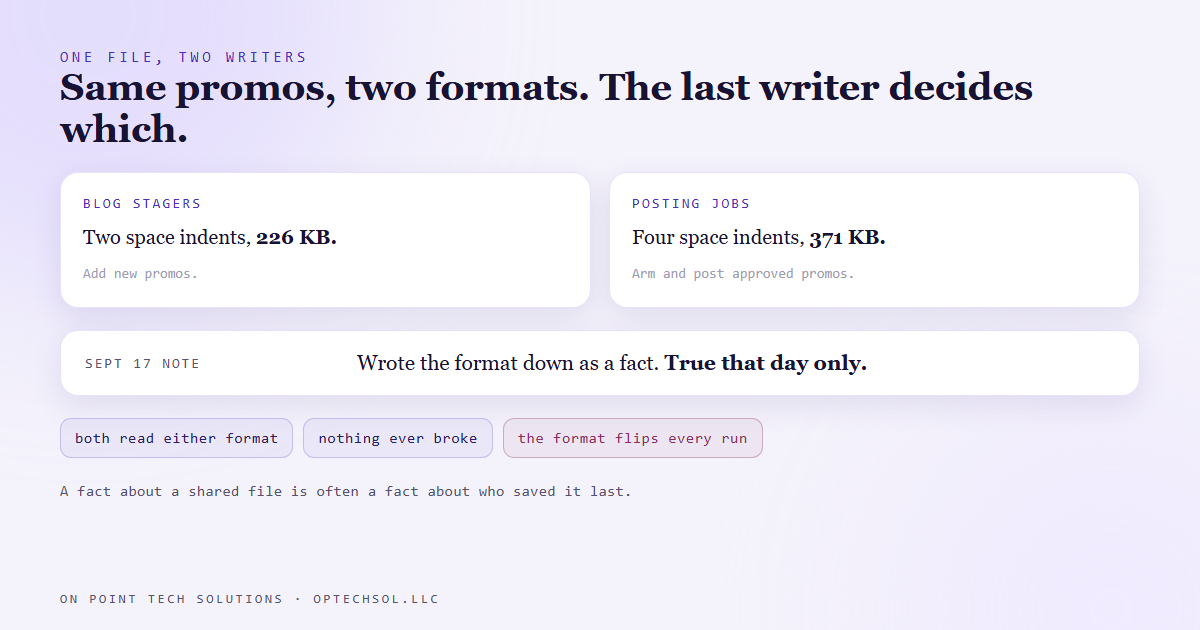
- A note in our records stated the format as a fact. The next day another tool rewrote the file, and the same content grew from 226 KB to 371 KB.
- Our stager checks that it can rebuild the file exactly before it changes anything. It matched only 290,351 of 371,136 bytes, so it stopped. The check was right. The note was wrong.
- Plenty of "facts" about a shared file are really facts about who touched it last.
Every blog post we publish gets a short social promo. Those promos wait in a single queue file until someone approves them and a scheduled job posts them at 9am. It's one file, and more than one program writes to it.
The blog pipelines add new promos. They're written in one scripting language. The jobs that arm an approved promo and post it are written in another. Each reads the whole file, changes its bit, and writes the whole thing back.
That setup is ordinary marketing automation San Jose businesses run every day, even if they never see it. A spreadsheet that a form fills in and a person edits. A contact list that an import writes and a workflow updates. Two writers, one file.
Two writers, two formats, one file
We hadn't thought hard about one thing. The two languages save the same data differently. One indents with two spaces. The other indents with four and puts two spaces after every colon. Same promos, same captions, same approvals. But in one format the file weighed 226 KB and in the other 371 KB.
Neither format is wrong. Each tool reads the other's output without complaint. So nothing ever broke, and nobody noticed that the file's shape flipped back and forth depending on which job ran last.
The note that turned out to be a snapshot
On September 17 a run of our blog pipeline wrote down how the queue file was formatted, as a fact about the file. It was true that day.
On September 18 the posting jobs armed three approved promos. They rewrote the file in their own format.
On September 19 the next blog run went to add its promo. And it did something we'd built into it on purpose. Before changing a shared file, our stager proves it can reproduce that file exactly. It reads the file, writes it back out in memory, and compares the two byte for byte. If they don't match, it doesn't write.
It matched 290,351 of the 371,136 bytes. So it stopped.
That stop was the whole system working. If the stager had written anyway, the change would have been one new promo plus a reformat of every other line in the file. Any later look at "what changed" would have shown a wall of differences with one real edit buried in it.
The run switched to the other language, which reproduced the file exactly, and added the promo that way. Then it checked its own work. It dropped the new promo, saved the rest in memory, and got 371,136 bytes and 137 items. Exactly the file from before the edit. One item added, nothing else touched.
The lesson we are keeping
"The file is in this format" sounded like a fact about the file. It was really a fact about which program had saved it last. Facts like that expire the moment somebody else touches the file, and nothing tells you they expired.
So we stopped writing down the format at all. The rule now is shorter and it doesn't go stale: before you write a shared file, prove you can reproduce it exactly in whatever you're about to write it with. If you can't, stop and use the tool that can.
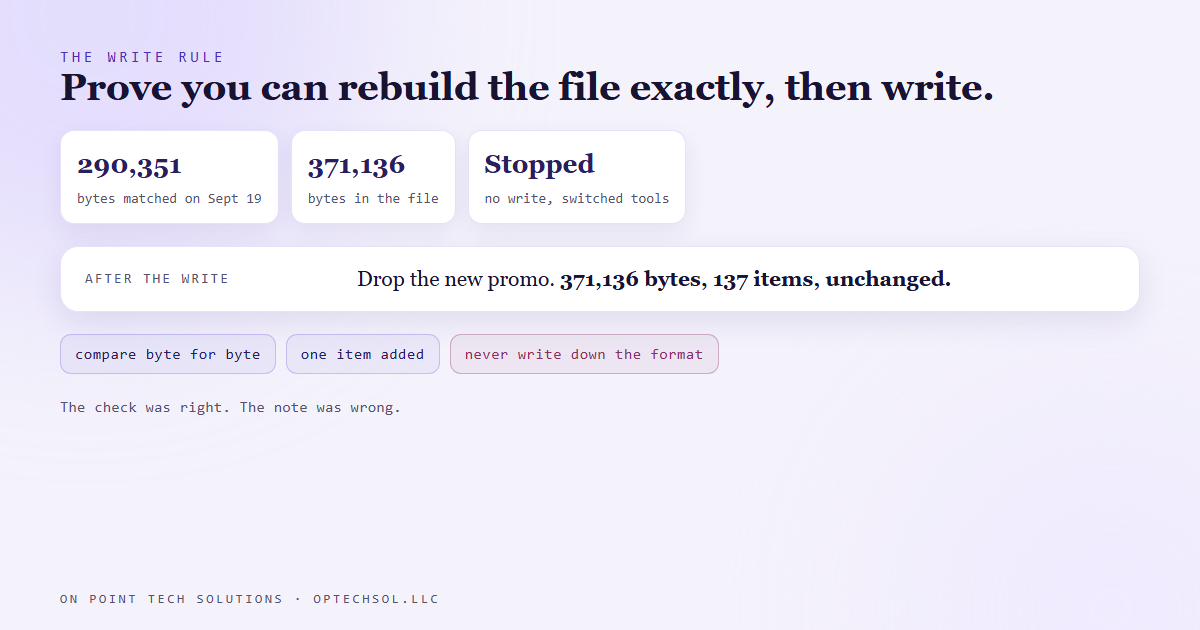
The second habit is just as useful. After a write, prove it was only the change you meant. Take your change back out, and what's left should match the original to the byte. Comparing against an older saved version doesn't work here, because the file may have been reformatted by someone else in between. That makes every comparison look huge.
What this means for marketing automation in San Jose
You have shared files like this. They just have friendlier names.
The spreadsheet your office manager sorts by date, when the import you set up expects it sorted by name. The price list two people update, one typing "$1,200" and the other "1200". The contact export somebody opened, cleaned up and saved again, with the phone numbers now missing their leading ones. Each person did their part right. The file's shape just belongs to whoever touched it last.
And somewhere there's a note that says "the sheet is sorted by date" or "prices have no dollar signs." It was true the day someone wrote it.
Three things worth doing this week:
- List the files or sheets that more than one person or tool writes to. For each one, name who owns the format. If nobody does, pick someone.
- Before any import into your CRM, open the file and look at the first ten rows. Don't trust what it looked like last month.
- When you write a fact about a shared file in your SOPs, put a date and a name on it. "As of September 17, after the office manager's cleanup." That tells the next person it can expire.
For a marketing automation San Jose business, the one that bites most often is the lead sheet feeding the CRM. A form writes to it, a person tidies it up, and an automation reads it. When the automation goes quiet, check who saved it last.
Want this built for you
We build automations that check a shared file before they change it. Start at optechsol.llc.