Key takeaways
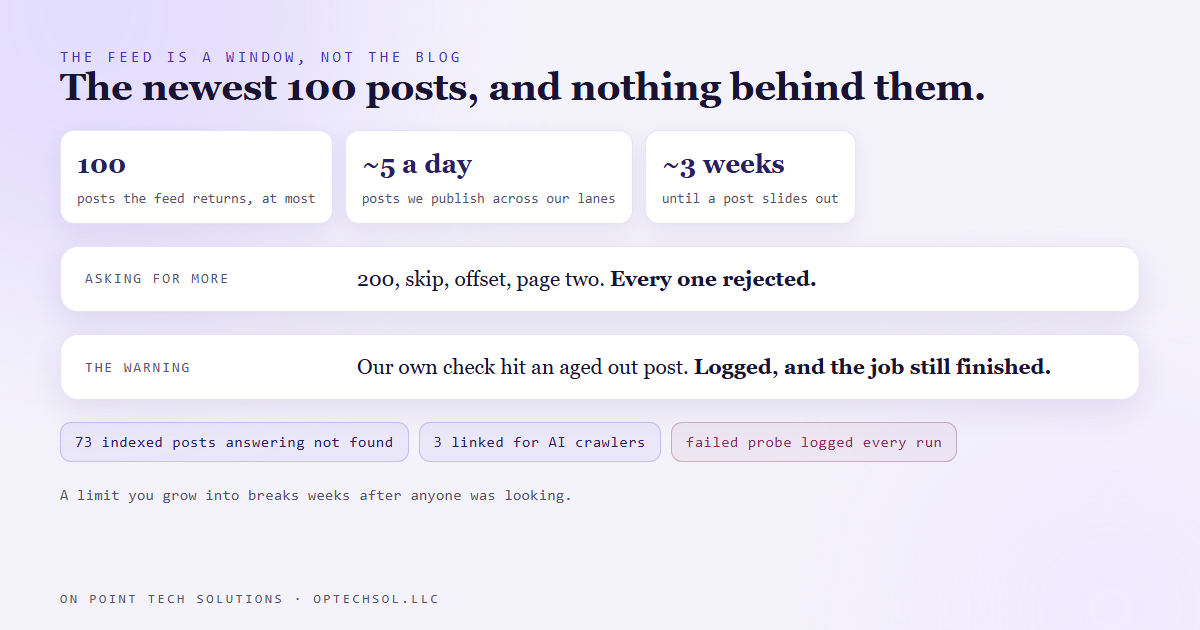
- Our website shows each blog post by looking it up in the blog platform's feed. That feed returns 100 posts at most, and every way of asking for more gets rejected.
- We publish about five posts a day across our lanes, so a post falls out of that feed in roughly three weeks. After that, its page said "not found".
- When we caught it, 73 posts that search engines had already indexed were returning not found. Three of them were linked from the file we publish for AI crawlers.
- The fix was already on disk: a complete archive of every post, rebuilt twice a day, that we had built for outages and only ever read when the feed was down.
- A limit that breaks on day one gets fixed on day one. A limit you grow into on a schedule breaks quietly, weeks after anyone was looking.
Our blog posts are written in our CRM's blog tool, but readers see them on our own website. The site does not store a copy of each post. When someone opens a post, the site fetches the blog's feed, finds the post with the matching address, and draws the page from it.
Publish in the CRM and the post is live on the site, with no second step to forget. The catch we had not measured is how much of the blog the feed actually hands back.
The number nobody checked
On September 20 we measured it. The feed returns 100 posts, the newest 100, and that is all. We tried asking for 200. We tried the usual settings for skipping ahead, starting from an offset, and asking for page two. Every one came back rejected.
So the feed is not the blog. It is a window over the newest hundred posts, and the window slides forward every time something new goes up.
Between the build logs you are reading, the posts made from our videos and a few other lanes, we publish about five posts a day. At that pace a post leaves the window in about three weeks. Three weeks after it went live, a post's page turned into a not found, and nothing anywhere said so.
Seventy three pages, and a warning nobody read
When we counted, 73 posts that search engines had already indexed were returning not found. People could land on any of them from a search and get an error.
Three of them were linked from a file we publish specifically for AI crawlers, the short list of our best pages that tells an assistant where to look. We were pointing the machines at dead ends.
The part that stings is that a check existed. The scheduled job that rebuilds our blog files ends by opening one old post to confirm the site is serving it. That post had aged out too, so the check had been printing a failed probe with a not found on every run. It was a warning line in a log, the job still finished, and nobody reads a log that finishes.
The fix was already sitting there
Back in August the blog platform's feed went down completely, and every post on our site went down with it. After that we built a fallback. Twice a day a scheduled job pulls every published post straight from the platform and saves the full set to our own site as an archive file. If the live feed fails, the site reads the archive instead.
That archive holds every post, not the newest hundred. It was the complete record the whole time. We had only ever wired it up to answer one question, "is the feed down?", and never the other one, "is this post missing from the feed?"
So the change was small. The live feed stays first, because it has the newest posts the moment they go up. If a post is not in it, the site now looks in the archive before it gives up. Our sitemap now lists posts from both. The old posts load again. While writing this we opened two of our very first posts from July, and both came up.
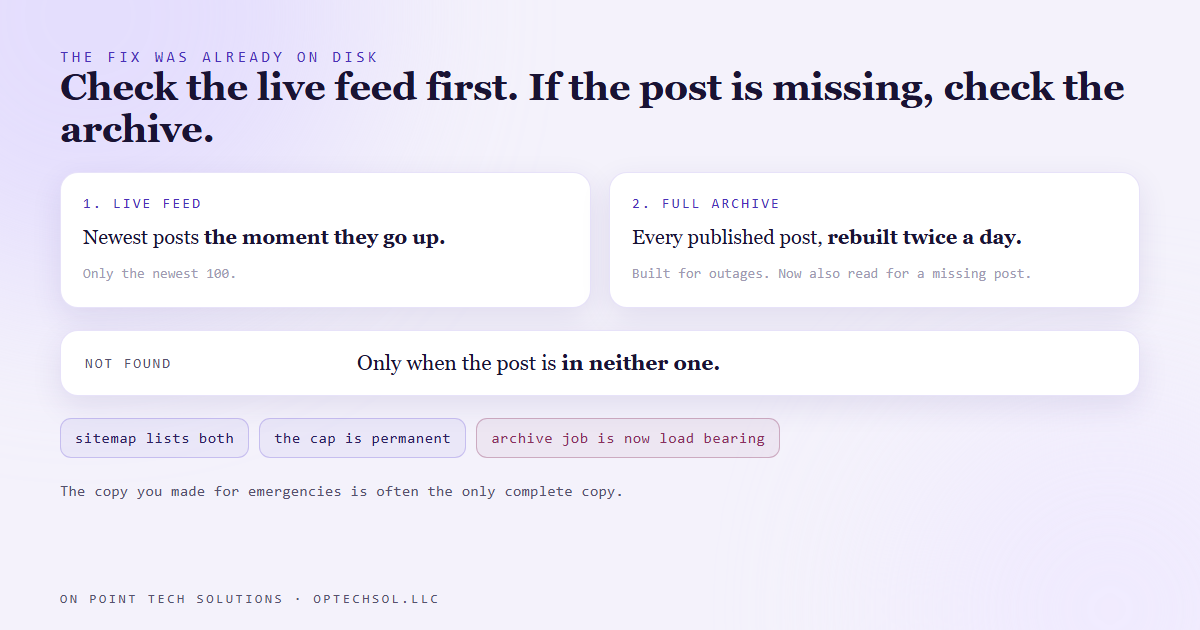
One question came up afterwards: once the platform fixes its feed, should we go back to the simple version? No. The 100 post cap is not an outage, it is how the feed works. Both sources stay. It also means the archive job is now load bearing. If it ever stops, nothing breaks that day. Old posts start disappearing about three weeks later, one at a time, which is exactly how this one hid.
The lesson we are keeping
We built a fallback for one failure and it turned out to be the answer to a different one. The copy you made for emergencies is often the only complete copy you have.
The bigger lesson is about limits. A limit you hit on day one is easy, because the thing breaks while you are still building it. A limit you grow into is different. Everything works at launch, it keeps working for weeks, and then the oldest part starts quietly falling off the end at exactly the rate you grow.
What this means for your business
You almost certainly depend on a list with a cap you have never seen. The review widget on your homepage that shows the latest reviews. The social feed embedded on your site. The export from your booking tool that only covers the last 90 days. Each one works perfectly while you are small and starts dropping the oldest items once you are not.
Old links are where this shows up first. The blog post you shared in a newsletter last spring. The landing page from an ad you stopped running. Nobody checks those, because nobody has a reason to open them.
Three things worth doing this week. Open five of your oldest links, from old emails or old social posts, and make sure they still load. If you have a sitemap or a search console account, look for pages that used to work and now show errors. And for any tool that feeds your website, ask one question: is there a maximum number of items it will return, and what happens to the rest?
For a Go High Level San Jose business, the most common version is the blog or the review feed on a site built outside the CRM. It works on launch day and it keeps working, until the list gets long enough to have an end.
Want this built for you
We build sites and systems that keep working when the list gets long. Start at optechsol.llc.